
Mercedes Sedan Remote Start App: Ultimate Effortless Guide
Want to start your Mercedes-Benz sedan from your phone? It’s easier than you think! This guide shows you how to use the Mercedes me connect app to remotely start your car, check its status, and more. Get ready to enjoy a warm car in winter or a cool one in summer, all with a few taps on your smartphone.
Ever wished you could pre-heat your Mercedes on a frosty morning without stepping outside? Or cool it down on a sweltering summer day before you even reach the parking lot? With the Mercedes me connect app, that convenience is a reality. It’s like having a personal assistant for your car, right in your pocket. But navigating the app and setting up remote start can sometimes feel confusing. Don’t worry, you’re not alone!
This guide will walk you through everything you need to know about using the Mercedes me connect app for remote start and other cool features. We’ll cover setting up your account, activating remote start, troubleshooting common issues, and even exploring some of the app’s hidden gems. Let’s get started and unlock the full potential of your Mercedes-Benz!
Understanding the Mercedes me connect App

The Mercedes me connect app is your digital gateway to a range of services designed to enhance your ownership experience. It’s more than just a remote start; it’s a comprehensive suite of features that keeps you connected to your vehicle.
Key Features of Mercedes me connect:
- Remote Start: Start your engine from your smartphone to pre-condition the cabin.
- Vehicle Monitoring: Check fuel levels, tire pressure, mileage, and more.
- Remote Lock/Unlock: Secure or access your vehicle from anywhere.
- Vehicle Finder: Locate your car in a crowded parking lot.
- Send2Benz: Send destinations directly to your car’s navigation system.
- Maintenance Management: Schedule service appointments and track your car’s maintenance history.
- Emergency Services: Access roadside assistance and emergency support with the touch of a button.
Is My Mercedes Compatible with Mercedes me connect?
Most Mercedes-Benz models from 2019 onwards are equipped with Mercedes me connect. However, compatibility can vary depending on the model year and trim level. Here’s a general guideline:
- Generally Compatible: Most 2019 and newer C-Class, E-Class, S-Class, GLC, GLE, and GLS models.
- Check with Dealer: For older models or specific trims, it’s best to contact your local Mercedes-Benz dealer to confirm compatibility.
You can also check your vehicle’s equipment list or VIN through the Mercedes-Benz website or app to see if Mercedes me connect is enabled.
Step-by-Step Guide to Setting Up Mercedes me connect

Before you can enjoy the convenience of remote start and other features, you need to set up your Mercedes me connect account and link it to your vehicle. Here’s how:
- Download the App:
- Go to the App Store (iOS) or Google Play Store (Android) and download the Mercedes me connect app.
- Create an Account:
- Open the app and tap “Register.”
- Enter your personal information, including your name, email address, and phone number.
- Create a strong password.
- Accept the terms and conditions.
- Verify Your Account:
- Check your email for a verification link from Mercedes me connect.
- Click the link to verify your email address.
- Add Your Vehicle:
- Log in to the app using your newly created account.
- Tap “Add Vehicle.”
- Enter your Vehicle Identification Number (VIN). You can find this on your car’s windshield, doorjamb, or registration documents.
- Vehicle Verification:
- The app will guide you through a vehicle verification process. This usually involves confirming details about your car and potentially entering a PIN displayed on your car’s infotainment screen.
- Activate Services:
- Once your vehicle is added, you’ll see a list of available services.
- Activate the services you want to use, including “Remote Engine Start.” Note that some services may require a subscription.
Activating and Using Remote Start
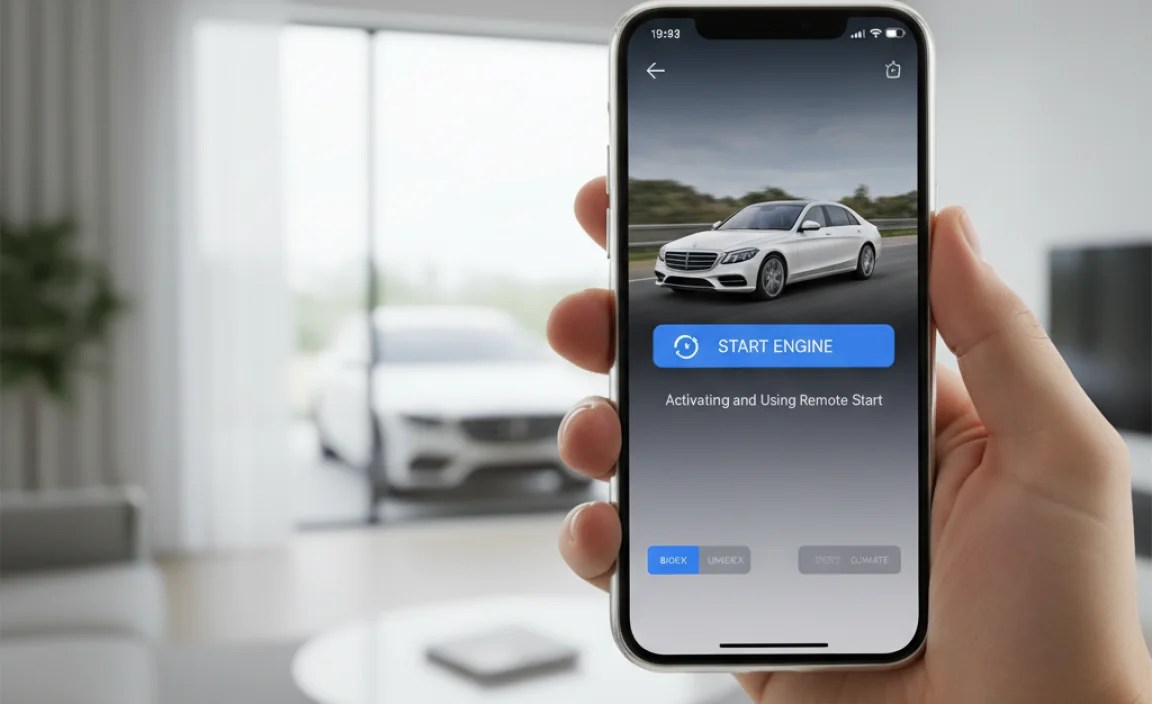
With your account set up and your vehicle linked, you’re ready to use the remote start feature. Here’s how to activate and use it:
- Ensure Activation:
- In the Mercedes me connect app, navigate to the “Services” section.
- Confirm that “Remote Engine Start” is activated. If not, activate it and follow any on-screen instructions.
- Remote Start Procedure:
- From the app’s main screen, locate the “Remote Engine Start” icon.
- Tap the icon.
- You may be prompted to enter your Mercedes me connect PIN for security.
- Hold the start button until the app confirms that the engine has started. This usually takes a few seconds.
- Confirmation:
- The app will display a message confirming that the engine has started.
- The car’s hazard lights may flash to indicate that the remote start is active.
- Automatic Shut-Off:
- The engine will run for a pre-set time (usually 10 minutes) and then automatically shut off.
- You can adjust the run time in the app settings.
Troubleshooting Common Issues
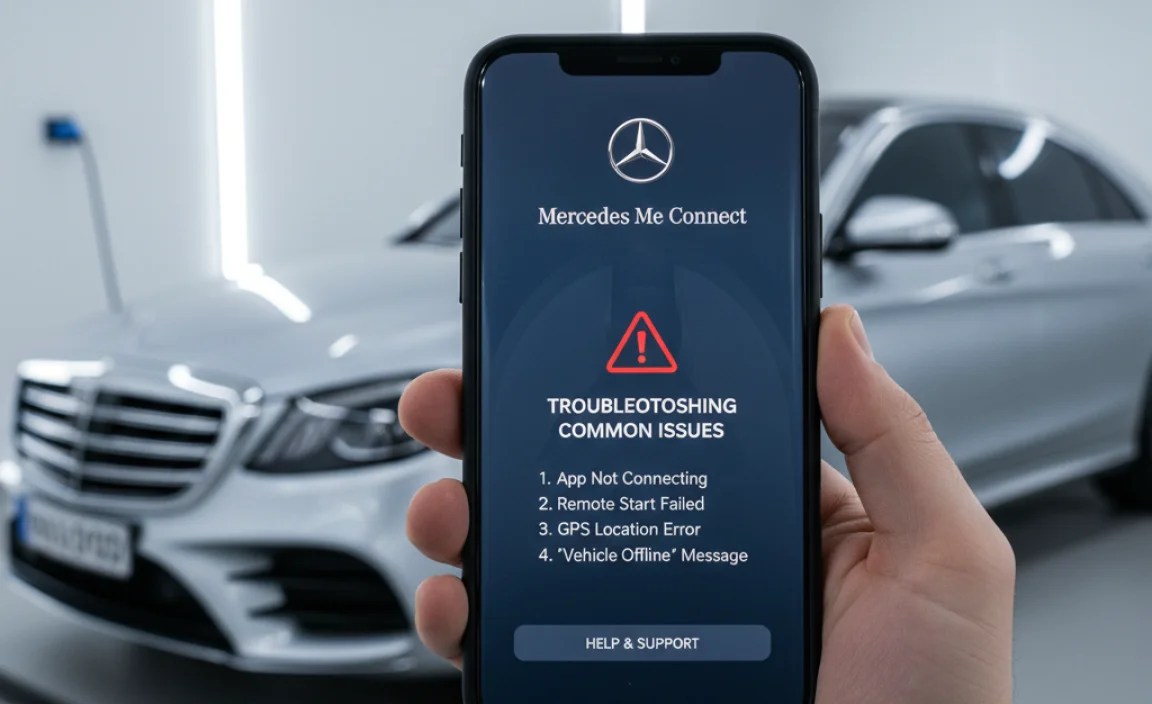
Even with a smooth setup, you might encounter occasional issues with the remote start feature. Here are some common problems and how to troubleshoot them:
| Issue | Possible Cause | Solution |
|---|---|---|
| Remote start not working | Service not activated | Ensure “Remote Engine Start” is activated in the app. |
| App says “Vehicle not connected” | Poor cellular connection | Move to an area with better cellular reception. |
| PIN incorrect | Incorrect PIN entry | Double-check your PIN and try again. If you’ve forgotten it, reset it through the app. |
| Car battery low | Low battery voltage | Start the car manually and let the battery charge. If the problem persists, have the battery checked by a mechanic. |
| Doors not locked | Doors unlocked | Ensure all doors, hood, and trunk are securely closed and locked. |
| Engine shuts off immediately | Fault code detected | Have your car scanned for fault codes by a Mercedes-Benz dealer or qualified mechanic. |
Additional Tips for Troubleshooting:
- Check the App Permissions: Make sure the Mercedes me connect app has the necessary permissions (location, notifications, etc.) enabled in your phone’s settings.
- Update the App: Ensure you’re using the latest version of the Mercedes me connect app. Updates often include bug fixes and performance improvements.
- Contact Mercedes me connect Support: If you’ve tried the above steps and are still having issues, contact Mercedes me connect support for assistance.
Maximizing Your Mercedes me connect Experience

Beyond remote start, the Mercedes me connect app offers a wealth of features to enhance your ownership experience. Here’s how to make the most of it:
Exploring Other Useful Features:
- Vehicle Status: Regularly check your car’s status for fuel level, tire pressure, and other important information. This can help you proactively address potential issues.
- Send2Benz Navigation: Plan your route on your phone and send the destination directly to your car’s navigation system. This saves time and ensures accurate directions.
- Maintenance Reminders: Set up maintenance reminders to stay on top of your car’s service schedule. The app can even help you schedule appointments with your preferred dealer.
- Vehicle Finder: Use the vehicle finder feature to locate your car in a crowded parking lot. The app will show you the car’s exact location on a map.
- Geofencing: Set up geofences to receive notifications when your car enters or exits a specific area. This can be useful for monitoring teen drivers or tracking your car’s location.
Customizing Your App Settings:
Tailor the Mercedes me connect app to your preferences by customizing the settings:
- Notification Preferences: Choose which notifications you want to receive (e.g., maintenance reminders, geofence alerts, vehicle status updates).
- Remote Start Duration: Adjust the duration of the remote start feature to suit your needs.
- PIN Management: Change your PIN regularly to enhance security.
- Preferred Dealer: Select your preferred Mercedes-Benz dealer for service appointments and other support.
Security Considerations
While the Mercedes me connect app offers incredible convenience, it’s important to be aware of the security considerations. Here are some tips to keep your account and vehicle secure:
- Use a Strong Password: Choose a strong, unique password for your Mercedes me connect account. Avoid using easily guessable information like your birthday or pet’s name.
- Enable Two-Factor Authentication: If available, enable two-factor authentication (2FA) for your account. This adds an extra layer of security by requiring a code from your phone in addition to your password.
- Protect Your PIN: Keep your Mercedes me connect PIN confidential. Do not share it with anyone.
- Monitor Account Activity: Regularly review your account activity for any suspicious or unauthorized access.
- Keep Your App Updated: Ensure you’re using the latest version of the Mercedes me connect app. Updates often include security patches that protect against vulnerabilities.
By following these security tips, you can enjoy the convenience of the Mercedes me connect app with peace of mind.
Mercedes me connect vs. Third-Party Remote Start Systems
While the Mercedes me connect app provides a seamless and integrated remote start experience, there are also third-party remote start systems available. Here’s a comparison:
| Feature | Mercedes me connect | Third-Party Remote Start |
|---|---|---|
| Integration | Seamlessly integrated with vehicle systems | May require aftermarket installation and wiring |
| Features | Includes a wide range of features beyond remote start (vehicle monitoring, navigation, etc.) | Primarily focused on remote start functionality |
| Security | Utilizes Mercedes-Benz’s security protocols | Security can vary depending on the system |
| Warranty | Covered under Mercedes-Benz warranty (if applicable) | May void or affect the vehicle’s warranty |
| Cost | Subscription-based service | One-time purchase and installation fee |
Pros of Mercedes me connect:
- Seamless integration
- Comprehensive features
- Mercedes-Benz security
- Warranty coverage
Cons of Mercedes me connect:
- Subscription fees
Pros of Third-Party Remote Start:
- One-time cost
Cons of Third-Party Remote Start:
- Installation required
- Potential warranty issues
- Limited features
- Security concerns
For most Mercedes-Benz owners, the Mercedes me connect app offers the best balance of features, security, and integration. However, if you’re looking for a more basic and affordable option, a third-party system might be worth considering – but proceed with caution and research reputable brands.
Frequently Asked Questions (FAQ)
1. Is Mercedes me connect free?
Some basic Mercedes me connect services are free for a limited time, but the Remote Engine Start and other advanced features require a paid subscription after the trial period expires.
2. How do I reset my Mercedes me connect PIN?
You can reset your PIN through the Mercedes me connect app. Go to the “Settings” menu, select “PIN Management,” and follow the on-screen instructions to reset your PIN.
3. What happens if I forget to turn off the engine after using remote start?
The engine will automatically shut off after a pre-set time (usually 10 minutes). You can adjust this run time in the app settings.
4. Can I use remote start if my car is parked in a garage?
It is not recommended to use remote start in an enclosed space like a garage due to the risk of carbon monoxide poisoning. Always use remote start in a well-ventilated area.
5. How do I cancel my Mercedes me connect subscription?
You can cancel your subscription through the Mercedes me connect portal online or by contacting Mercedes me connect support.
6. Does Mercedes me connect work with other Mercedes models, like SUVs?
Yes, Mercedes me connect is compatible with various Mercedes-Benz models, including sedans, SUVs, and coupes, provided they are equipped with the necessary hardware.
7. What should I do if the app is not responding or showing incorrect information?
First, ensure you have a stable internet connection. Close and reopen the app, or try logging out and logging back in. If the issue persists, consider updating the app or contacting Mercedes me connect support.
Conclusion
The Mercedes sedan remote start app – part of the broader Mercedes me connect suite – is a game-changer for convenience and comfort. By following this guide, you can easily set up, use, and troubleshoot the remote start feature, along with exploring the app’s other valuable functionalities. From pre-conditioning your cabin to monitoring your vehicle’s status, the Mercedes me connect app puts you in control of your driving experience. So, embrace the technology and enjoy the effortless luxury that Mercedes-Benz offers!
“`


