
Mercedes GLA Adaptive Cruise Control: Effortless Driving
Mercedes GLA Adaptive Cruise Control: Effortless Driving Made Simple
Master your Mercedes GLA’s Adaptive Cruise Control (ACC) for smoother, less tiring journeys. This guide explains how to activate, adjust, and best utilize ACC, transforming your driving experience and enhancing safety on highways and in traffic. Discover how this intuitive technology takes the stress out of cruising.
Navigating modern roads can sometimes feel like a constant, demanding dance – accelerating, braking, and maintaining speed. For drivers of the stylish Mercedes-Benz GLA, there’s a smarter way to cruise, thanks to the innovative Adaptive Cruise Control (ACC) system. Many drivers find themselves overwhelmed by the technology, unsure how to harness its full potential. This guide is here to demystify Mercedes GLA Adaptive Cruise Control, providing clear, step-by-step instructions. You’ll learn how to effortlessly engage this feature, customize its settings, and truly enjoy a more relaxed and safer drive, especially on longer trips.
Understanding Mercedes GLA Adaptive Cruise Control (ACC)

At its heart, Adaptive Cruise Control (ACC) in your Mercedes GLA is an advanced driver-assistance system designed to make highway driving and cruising in moderate traffic significantly more comfortable and less demanding. Unlike traditional cruise control, which simply maintains a set speed, ACC goes a step further. It uses sophisticated radar and camera sensors, often integrated into the front grille or the area around the rearview mirror, to monitor traffic ahead. When ACC detects a slower-moving vehicle in your lane, it automatically adjusts your GLA’s speed to maintain a pre-set following distance. Once the obstruction is cleared, or the vehicle ahead speeds up, ACC will resume your set speed.
This technology is a fantastic example of how Mercedes-Benz integrates cutting-edge innovation to enhance the driving experience. It’s not just about convenience; it actively contributes to safety by reducing driver fatigue and helping to prevent common driving errors. Think of it as an intelligent co-pilot that diligently manages your speed, allowing you to focus more on the road ahead and less on the constant micro-adjustments of speed. This proactive approach can lead to a more relaxed and less stressful journey, particularly in stop-and-go traffic or during long highway stretches.
How ACC Works: The Technology Behind the Magic
The intelligence of Mercedes GLA Adaptive Cruise Control hinges on a network of sensors and advanced software. Here’s a simplified breakdown:
- Radars: Typically located in the front grille, these sensors emit radio waves that bounce off vehicles ahead. By analyzing the returning waves, the system can determine the distance and relative speed of other cars.
- Cameras: Often mounted near the rearview mirror, these cameras help visually identify vehicles, lane markings, and sometimes even pedestrians or cyclists, adding another layer of environmental awareness.
- Control Unit: A powerful computer processes the data from the sensors. It then sends commands to the vehicle’s engine, brakes, and transmission to adjust speed accordingly.
- Steering Assist (if equipped): More advanced systems, like DISTRONIC PLUS with Steering Assist from Mercedes-Benz, can also use camera data to read lane markings and provide gentle steering inputs to keep the vehicle centered in its lane, working in tandem with ACC. This feature is particularly beneficial for maintaining consistent lane positioning on the highway.
The integration of these components allows the ACC system to react smoothly and predictively. It aims to mirror sensible driving, accelerating gently when clear and braking progressively when needed. This sophisticated interaction ensures that the driving experience remains fluid and comfortable, avoiding abrupt or jerky movements.
Benefits of Using Adaptive Cruise Control
Embracing ACC in your Mercedes GLA unlocks a wealth of advantages that go beyond mere convenience:
- Reduced Driver Fatigue: Long drives or monotonous traffic can be mentally taxing. ACC handles the constant speed adjustments, allowing your brain to rest more, leading to a more alert driver upon arrival.
- Enhanced Safety: By maintaining a consistent speed and a safe following distance, ACC helps prevent common driving mistakes, such as following too closely or forgetting to adjust speed for traffic. This contributes to a safer driving environment for you and others on the road.
- Improved Fuel Efficiency: ACC’s smooth acceleration and deceleration patterns are often more fuel-efficient than erratic human input, especially in varying traffic conditions. It avoids hard braking and rapid acceleration.
- Smoother Driving Experience: The system’s ability to anticipate and react to traffic flow results in a generally smoother ride, making journeys more pleasant for all occupants.
- Stress Reduction: Especially in stop-and-go traffic, ACC significantly reduces the mental load, allowing you to navigate challenging driving situations with greater ease.
Activating and Adjusting Your Mercedes GLA’s ACC

Navigating the controls for Mercedes GLA Adaptive Cruise Control is designed to be intuitive, integrated seamlessly into the vehicle’s steering wheel. Understanding how to turn it on, set your desired speed, and adjust the following distance is key to using it effectively.
Locating the ACC Controls
The primary controls for Adaptive Cruise Control are typically located on the left side of your Mercedes GLA’s steering wheel. You’ll usually find a set of buttons that allow you to:
- Activate/Deactivate: A button to turn the system on and off.
- Set Speed: A button to set your current speed as the desired cruising speed.
- Increase/Decrease Speed: Buttons to fine-tune the set speed.
- Adjust Following Distance: Buttons to select how much space you want to maintain between your GLA and the vehicle ahead.
Some models might combine functions or have slightly different button layouts. Always refer to your GLA’s owner’s manual for the most precise information regarding your specific model year and trim. The steering wheel controls are designed for quick access, allowing you to manage the system without taking your eyes off the road for long.
Step-by-Step: Engaging ACC
Using Adaptive Cruise Control in your Mercedes GLA is straightforward. Follow these steps:
- Ensure Driving Conditions are Suitable: ACC is primarily designed for highway driving or situations with predictable traffic flow. It’s not recommended for very tight city streets, complex intersections, or very heavy, unpredictable traffic.
- Start the Engine and Begin Driving: Begin driving your GLA at a speed above approximately 20 mph (30 km/h), as most ACC systems have a minimum activation speed.
- Activate the System: Locate the “ON/OFF” or “ACC” button on your steering wheel and press it. A symbol will typically appear on your instrument cluster, indicating that ACC is active and ready to set.
- Set Your Desired Speed: While driving at your preferred speed, press the “SET” button (often marked with a ‘-‘ or a similar symbol). The displayed speed on your instrument cluster will update to reflect your set speed.
- Adjust Following Distance: Use the “Distance” or +/- buttons dedicated to following distance. You’ll typically see 3-4 options representing short, medium, and long distances. Choose a distance appropriate for the driving conditions and your comfort level. A visual indicator on your display will show your selected gap.
Once these steps are completed, your GLA will automatically maintain the set speed and adjust to traffic ahead. The instrument cluster will provide visual cues, often showing the set speed, the selected following distance, and whether ACC is actively tracking another vehicle.
Customizing Your Following Distance
The ability to adjust the following distance is a critical feature of ACC. Mercedes-Benz typically offers several levels of following distance, often represented by bars or dots on the display.
How to adjust:
- Press the “Distance” button on your steering wheel repeatedly.
- Each press will cycle through the available distance settings.
- Your instrument cluster will visually indicate the selected distance.
Choosing the right distance:
- Short Distance: Suitable for lighter traffic where vehicles are moving quickly and predictably, or when you want to maintain a tighter, more “in-line” feel with the car ahead. Be cautious in heavy traffic.
- Medium Distance: A good general-purpose setting for most highway driving. It provides a balance between maintaining momentum and ensuring ample braking distance.
- Long Distance: Ideal for heavier traffic, reduced visibility (e.g., fog or rain), or when you prefer a more conservative approach. This setting provides the most buffer.
It’s important to experiment with these settings to find what feels most comfortable and safe for your driving style and typical road conditions. Always remember that ACC is a driver-assistance system, and you remain responsible for maintaining safe driving practices.
Overriding and Deactivating ACC
Knowing how to quickly override or deactivate ACC is crucial for safety and control. You can manually intervene at any time:
- Braking: Simply applying the brake pedal will immediately disengage the ACC’s acceleration function, allowing you to slow down manually. The system will remain “ready” but not actively controlling speed.
- Accelerating: Pressing the accelerator pedal beyond the ACC-set speed will temporarily accelerate your GLA. The system will resume the set speed once you ease off the pedal, provided the ACC is still active.
- Steering: A sharp turn of the steering wheel can sometimes override ACC, especially if lane centering is also engaged.
- Deactivating: To completely turn off the ACC system, press and hold the “ON/OFF” or “ACC” button on the steering wheel until the system indicator on your dashboard disappears. Alternatively, pressing the brake pedal firmly usually deactivates ACC.
Understanding these override functions ensures you have full control and can react instantly when necessary.
Advanced Features and Considerations
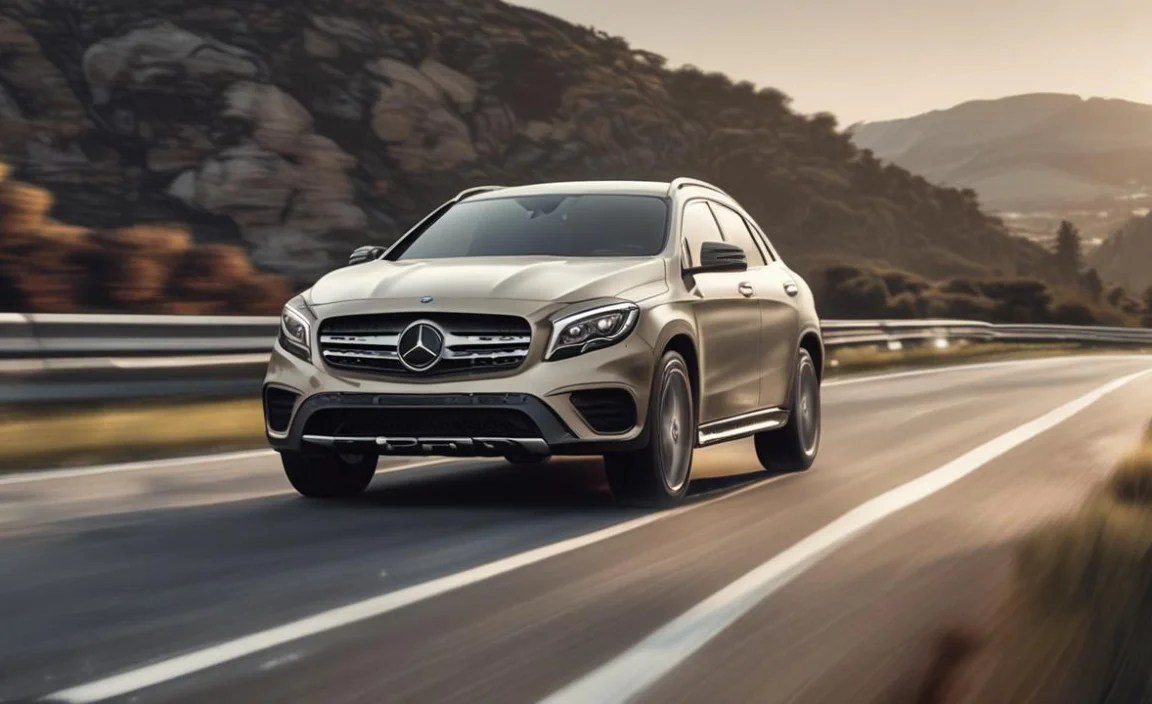
Beyond basic speed and distance control, your Mercedes GLA’s ACC can offer a suite of advanced features, depending on the specific package installed. These enhancements significantly boost comfort and safety, especially in more complex driving scenarios. Understanding these nuances maximizes the benefit of this sophisticated technology.
DISTRONIC PLUS & Steering Assist
Many newer Mercedes GLA models come equipped with or offer optional packages that include DISTRONIC PLUS with Steering Assist. This is a significant upgrade from basic ACC.
- DISTRONIC PLUS: This is Mercedes-Benz’s advanced adaptive cruise control. It not only maintains set speed and following distance but can also bring the vehicle to a complete stop and then resume driving automatically (in many traffic situations), making it exceptionally useful for stop-and-go traffic.
- Steering Assist: This feature uses cameras to detect lane markings and other vehicles. It then provides gentle steering interventions to help keep the GLA centered within its lane. It works in conjunction with DISTRONIC PLUS, creating a semi-autonomous driving experience that significantly reduces driver workload on highways.
Important Note: While these systems are highly advanced, they are driver-assistance features, not self-driving capabilities. The driver must remain attentive, keep hands on the steering wheel, and be ready to take over at any moment. Mercedes-Benz provides detailed information on the operational limits and requirements for these systems in the official vehicle manual, which is essential reading for all owners. Information on the National Highway Traffic Safety Administration (NHTSA) website also provides valuable insights into the evolving landscape of advanced driver-assistance systems (ADAS).
Traffic Sign Assist
Often integrated with the camera systems used by ACC and Steering Assist, Traffic Sign Assist enhances awareness by recognizing and displaying speed limits and other traffic signs directly in your instrument cluster or on the central display. In some configurations, it can even suggest adjusting your ACC speed setting to match the detected speed limit, further simplifying compliance and safe driving.
Speedtronic Speed Limiter
While DISTRONIC PLUS with ACC manages speed dynamically, the SPEEDTRONIC system acts as a speed limiter. You can preset a maximum speed that your vehicle will not exceed, independent of cruise control. Some versions can also be integrated with navigation data or Traffic Sign Assist to automatically adjust the limit, though manual setting is also available for consistent adherence to speed regulations.
Operational Limits and Best Practices
It’s critical to understand that ACC, even with advanced features, has limitations. Mercedes-Benz designs these systems with safety paramount, but they are not infallible and do not replace attentive driving.
When ACC May Have Difficulty:
- Sharp Curves: Radar sensors may lose track of vehicles ahead during very sharp turns.
- Stationary Objects: Basic ACC systems may not detect stationary objects (like parked cars or debris) in the road, only moving vehicles. More advanced systems may have some capability, but caution is always advised.
- Sudden Braking by Vehicle Ahead: While ACC reacts, extremely sudden braking by the car in front might require quicker human intervention.
- Adverse Weather: Heavy rain, snow, or fog can interfere with sensor performance.
- Poorly Marked Lanes: Lane centering features rely on clear lane markings.
- Motorcycle Detection: Smaller vehicles like motorcycles can sometimes be harder for sensors to detect reliably.
Best Practices for Using ACC:
- Always stay alert and aware of your surroundings.
- Keep your hands on the steering wheel, especially when using Steering Assist.
- Be ready to brake or steer manually at any moment.
- Familiarize yourself with the system’s indicators on your instrument cluster.
- Adjust following distance based on conditions, increasing it in adverse weather or heavy traffic.
- Consult your owner’s manual for specific operational details and limitations of your GLA’s ACC system.
By understanding these limitations and practicing good habits, you can confidently leverage the benefits of ACC while prioritizing safety.
Troubleshooting Common ACC Issues
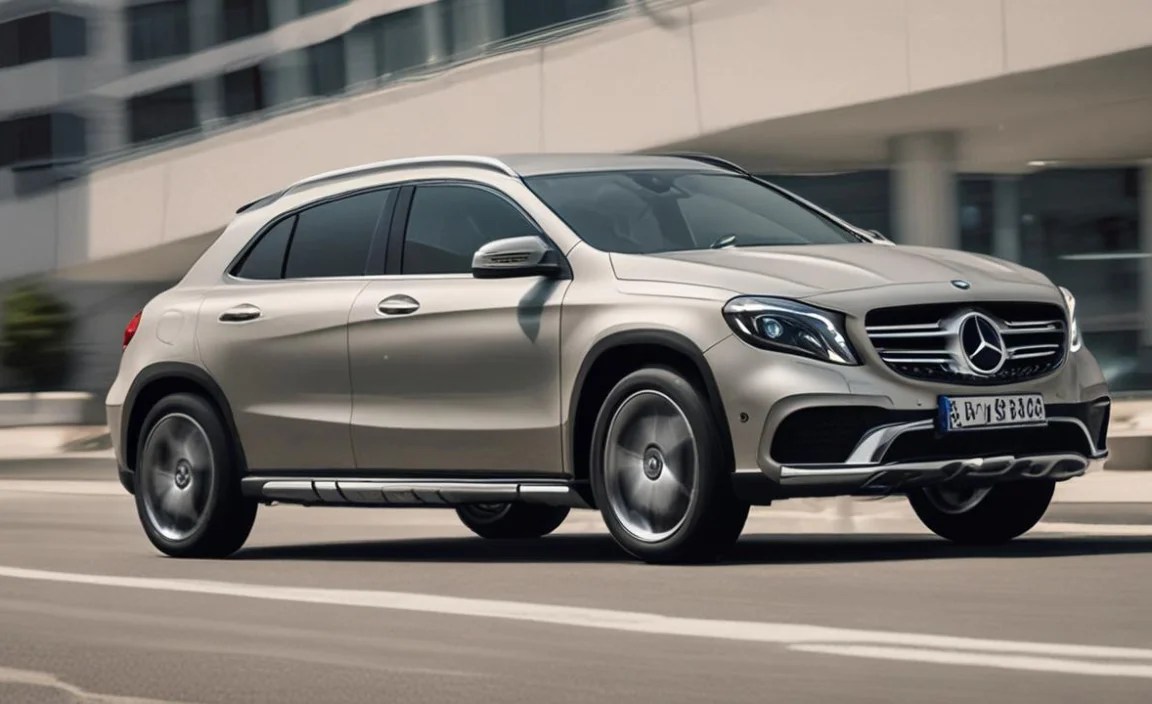
While the Mercedes GLA Adaptive Cruise Control system is highly reliable, like any complex technology, occasional issues might arise. Knowing how to approach these common problems can save you time and hassle.
System Unavailable or Malfunctioning Indicator
If you see a warning light or message indicating that ACC is unavailable or malfunctioning, the first steps should always be:
- Check Sensor Visibility: Ensure the sensors (usually in the front grille or behind the bumper) are clean and free from obstruction. Mud, snow, ice, or even a thick layer of dirt can temporarily disable the system. A quick wash can often resolve this.
- Restart the Vehicle: Sometimes, a simple engine restart can reset the system and clear temporary glitches. Turn off the car, wait a minute, and restart.
- Check for Specific Error Messages: Pay close attention to any specific text messages on your instrument cluster. These can provide clues about the nature of the problem.
- Consult Your Owner’s Manual: The manual will list common warning lights and messages and their potential causes.
If the problem persists after these basic checks, it’s best to have your vehicle inspected by a qualified Mercedes-Benz technician. Attempting to diagnose or repair complex electronic systems yourself can void warranties and potentially cause further damage.
ACC Not Detecting Vehicles or Braking Adequately
If you feel the ACC isn’t reacting as expected, consider the following:
- Following Distance Setting: Ensure you haven’t set the following distance too short for the current conditions. Longer distances give the system more time to react.
- Sensor Interference: As mentioned, dirt or damage to sensors can impair performance.
- Type of Obstruction: ACC systems are optimized for detecting other vehicles. They might struggle with motorcycles, unusually shaped vehicles, or objects that don’t present a clear radar or camera signature.
- Road Geometry: On very sharp bends or when a vehicle suddenly pulls out in front of you, the system might not react instantaneously.
Always be prepared to take manual control. If you consistently notice under-performance in clear conditions, it warrants a professional diagnostic check.
ACC Engaging Unexpectedly or Erratically
While rare, erratic behavior can occur. This is often due to:
- Confusing Road Markings: In areas with faded, multiple, or unusual lane markings, lane centering (if active) might become confused.
- Environmental Factors: Extreme weather can sometimes cause sensor misinterpretations.
- Software Glitches: Like any computer, the ACC control unit can occasionally experience a software hiccup.
If the system behaves erratically, deactivate it immediately using the steering wheel controls or the brake pedal and note the circumstances. Such behavior necessitates an appointment at a service center.
Frequently Asked Questions (FAQ)
Here are some common questions beginner drivers often have about their Mercedes GLA’s Adaptive Cruise Control:
Q1: Is Adaptive Cruise Control the same as self-driving?
A1: No, Adaptive Cruise Control (ACC) is a driver-assistance feature. It helps manage speed and following distance but requires the driver to remain attentive, steer, and be ready to intervene at all times. True self-driving technology, which handles all driving tasks autonomously, is not yet widely available for consumer vehicles.
Q2: When should I NOT use Adaptive Cruise Control?
A2: Avoid using ACC in heavy city traffic with frequent stops and unpredictable maneuvers, on slippery roads (ice, heavy rain, snow), in very tight curves, on unpaved roads, or when visibility is severely limited. Always prioritize manual control when conditions are not ideal for assistance


