
Mercedes-Benz Digital Key Technology: Essential Power
The Mercedes-Benz Digital Key Technology: Your Smartphone is Now Your Essential Car Key. Access your Mercedes-Benz with just your smartphone, unlocking convenience and modern security. This guide explains how this essential power works, from setup to daily use.
Driving a Mercedes-Benz is about experiencing the pinnacle of automotive luxury and innovation. As our lives become increasingly digital, so too does the way we interact with our vehicles. Mercedes-Benz has embraced this shift with its Digital Key technology, transforming your smartphone into the ultimate car key. No more fumbling for a traditional fob; your phone becomes the conduit to unlocking, starting, and even sharing access to your prized Mercedes. This guide will walk you through everything there is to know about this essential power, making you feel confident and in control. Let’s explore how this cutting-edge feature enhances your driving experience.
Understanding Mercedes-Benz Digital Key Technology

What Exactly is the Digital Key?

The Mercedes-Benz Digital Key, also known as Mercedes-Benz Digital Vehicle Key or KEYLESS-GO Digital Key, is an advanced feature that allows you to use your compatible smartphone as a highly secure car key. Instead of a physical key fob, your smartphone communicates wirelessly with your Mercedes-Benz to grant access and enable functions like starting the engine. This technology leverages secure near-field communication (NFC) and Bluetooth to ensure that only authorized devices can interact with your vehicle. It’s designed to be a convenient and robust alternative to traditional keys, offering a seamless experience for modern drivers.
This innovation is part of Mercedes-Benz’s commitment to integrating cutting-edge technology into their vehicles, making ownership simpler and more futuristic. It’s built with security and user-friendliness at its core, aiming to provide an ‘essential power’ that you can rely on every day.
How Does It Work? The Technology Behind the Magic

The Digital Key relies on a sophisticated interplay of technologies to ensure secure and reliable access to your Mercedes-Benz. Here’s a breakdown of the core components:
- NFC (Near Field Communication): This is the primary technology used for unlocking and locking the vehicle once the Digital Key is configured. When you hold your smartphone near the designated sensor on the car’s door handle (typically on the driver’s door), NFC technology facilitates a secure, short-range communication. This exchange authenticates your phone and the vehicle, granting access. It’s similar to how contactless payment systems work.
- Bluetooth Low Energy (BLE): While NFC is typically used for the initial unlock-and-lock action, Bluetooth can also play a role, especially in some implementations for starting the engine or other in-car functions after the initial authentication. It provides a stable and energy-efficient connection for these interactions.
- Secure Element (SE): The crucial security aspect of the Digital Key is its reliance on the Secure Element. This is a dedicated, tamper-resistant chip within your smartphone that securely stores the encrypted digital key credentials. This chip is designed to protect sensitive data, making it extremely difficult for unauthorized parties to copy or steal your key information.
- Mercedes-Benz Smartphone App: A dedicated app, such as the Mercedes-Benz Service app or the Mercedes me app depending on the model and region, is essential for setting up and managing your Digital Key. This app connects to your vehicle via your Mercedes me account, authenticates your ownership, and securely provisions the Digital Key to your smartphone’s Secure Element.
The combination of these technologies creates a robust system that prioritizes security without compromising on convenience. It’s a testament to how far automotive access technology has advanced, providing an essential power right at your fingertips.
Setting Up Your Mercedes-Benz Digital Key: A Step-by-Step Guide

Getting your Digital Key up and running is a straightforward process, designed to be managed easily through your smartphone. Follow these steps to unlock this essential power:
Step 1: Ensure Compatibility

Before you begin, verify that both your Mercedes-Benz model and your smartphone are compatible with the Digital Key technology. Generally, models from 2020 onwards with the MBUX infotainment system are equipped to support this feature. For smartphones, you’ll need a device with NFC capabilities and a relatively recent operating system (typically Android 6.0 or later, or iOS 13.4 or later). Check the latest Mercedes-Benz specifications or consult with your dealership for precise compatibility information.
Step 2: Download and Install the Mercedes-Benz App

You’ll need the official Mercedes-Benz app for your region. This is often the Mercedes-Benz Service app or the Mercedes me app. Download it from your smartphone’s app store (Google Play Store for Android or Apple App Store for iOS). Ensure you have a stable internet connection.
Step 3: Create or Log In to Your Mercedes me Account

Your Digital Key is linked to your Mercedes me account, which is your gateway to Mercedes-Benz’s digital services. If you don’t have an account, follow the in-app prompts to create one. If you already have an account, simply log in.
Step 4: Register Your Vehicle

Within the Mercedes me app, you’ll need to register your specific Mercedes-Benz vehicle. This usually involves entering your vehicle’s VIN (Vehicle Identification Number) and potentially confirming ownership through a verification process. Follow the app’s instructions to link your car to your account.
Step 5: Activate the Digital Key

Once your vehicle is successfully registered and recognized in the app, navigate to the Digital Key section. The app will guide you through the activation process. This typically requires:
- Placing your phone in a specific location in the car: For NFC pairing, you might be instructed to place your phone on the wireless charging pad or a designated NFC reader area inside the vehicle.
- Following in-app prompts: The app will provide detailed instructions, which might include agreeing to terms and conditions, and confirming settings.
- Allowing access to phone features: The app may request permission to access certain phone functions necessary for the Digital Key to operate.
Important Note: It’s crucial to complete the activation process inside your vehicle, often with the engine running or the ignition in accessory mode, as instructed by the app.
Step 6: Provisioning the Key to Your Secure Element

The app will then securely transfer the encrypted Digital Key credentials to your smartphone’s Secure Element. This is a critical security step that happens in the background, ensuring your key is protected by the phone’s hardware security features. You might see a progress indicator during this phase.
Step 7: Test Your Digital Key

Once the provisioning is complete, the app will confirm that your Digital Key is ready. Exit the vehicle, lock it using your smartphone (by holding it near the exterior door handle sensor, as instructed), and then approach it again to unlock. You should then be able to start the engine by pressing the start/stop button, usually with your phone placed in the wireless charging tray or a designated spot.
Using Your Digital Key: Essential Power in Action

With your Digital Key set up, using it becomes second nature. It’s designed to be as simple and intuitive as possible, integrating seamlessly into your daily routine.
Unlocking and Locking Your Mercedes-Benz

To unlock your Mercedes-Benz, simply approach the driver’s side door with your smartphone in hand. Hold your phone near the exterior door handle sensor. You’ll feel a subtle click or vibration, and the vehicle doors will unlock. To lock the vehicle, stand near the driver’s door handle sensor and hold your phone against it. You should hear the locks engage.
Starting the Engine

Once inside the vehicle, the engine start process is also streamlined. With your Digital Key-enabled smartphone inside the car (often placed in the wireless charging tray or a specific console area, depending on your model), simply press the brake pedal and push the start/stop button. The car will recognize the authenticated Digital Key and allow the engine to start.
Sharing Your Digital Key (Digital Key Share)

One of the most powerful features of the Digital Key is its ability to be shared with trusted individuals. This is done securely through the Mercedes me app, allowing you to grant access to friends, family members, or valets.
- Initiating a Share: In the Mercedes me app, navigate to the Digital Key management section. You’ll find an option to ‘Share Key’.
- Recipient Requirements: The person you’re sharing with will also need a compatible smartphone and the Mercedes-Benz app. They will need to create their own Mercedes me account or log into an existing one.
- Sending the Invitation: You can typically share the key by sending an invitation link via message, email, or other communication methods.
- Recipient Acceptance: The recipient must accept the key share invitation through their Mercedes me app and complete a verification process. This often involves placing their phone in the car to finalize the provisioning for their device.
- Managing Permissions: You can usually set different permission levels for shared keys, such as granting full access or limited access (e.g., only to drive, not to manage the key settings). You can also revoke access at any time through the app, ensuring you retain full control over who can use your vehicle.
This sharing capability makes lending your Mercedes-Benz to someone much more convenient and secure than handing over physical keys.
Convenience Features

The Digital Key can also enable other convenient features:
- Remote Functions: Depending on your Mercedes me Connect services subscription, your Digital Key setup might integrate with remote functions, allowing you to pre-condition the cabin or check vehicle status directly from your phone.
- Keyless-Go: When the Digital Key is active, the experience is synonymous with the KEYLESS-GO function, meaning you don’t need to take your phone out of your pocket or bag for basic access and starting (e.g., if your car uses Bluetooth proximity detection after the initial NFC unlock).
- Digital Glovebox: In some models, the Digital Key can act as a digital key for accessing certain vehicle features or contents within the car designated for key-holder access.
Security Aspects of Mercedes-Benz Digital Key Technology

Security is paramount when it comes to vehicle access. Mercedes-Benz has implemented robust measures to ensure its Digital Key technology is as secure as, if not more secure than, traditional key fobs.
Hardware-Level Security
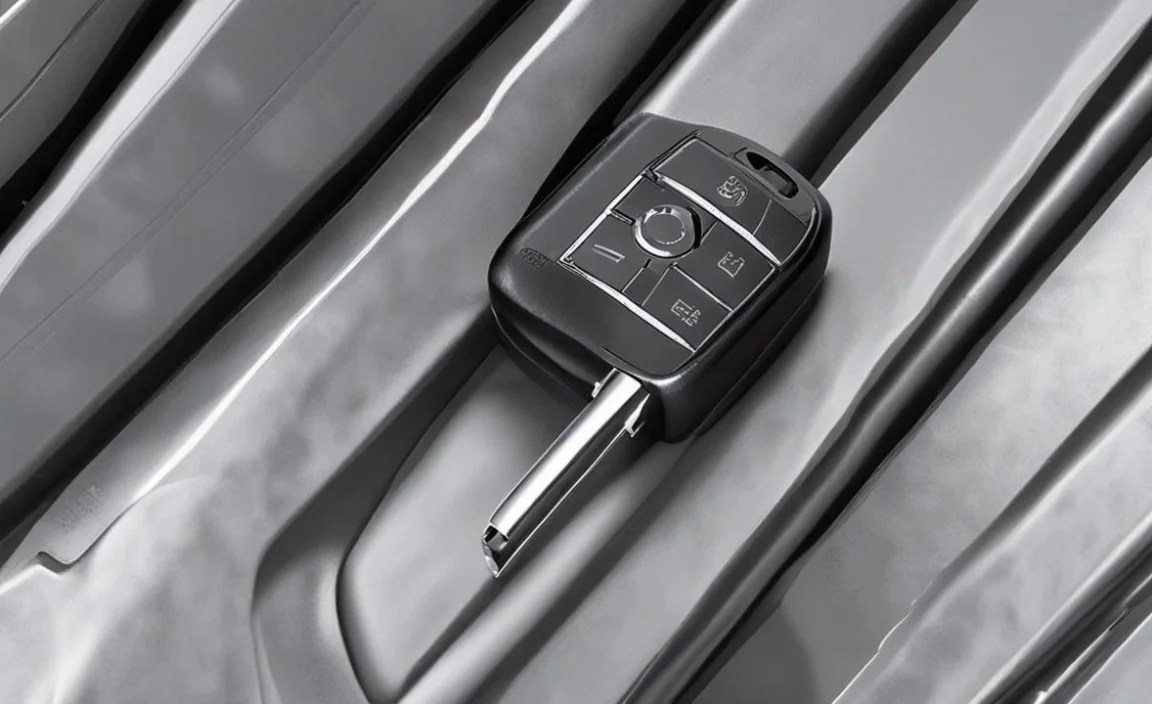
As mentioned, the Digital Key credentials are stored in the Secure Element (SE) of your smartphone. This is a dedicated, isolated hardware component designed specifically for storing sensitive data. It’s highly resistant to physical and software attacks, making it extremely difficult for unauthorized access to the digital key itself. To learn more about hardware-level security in general, you can refer to resources like the National Institute of Standards and Technology (NIST) on cryptographic standards: NIST Cryptographic Standards.
Encrypted Communication
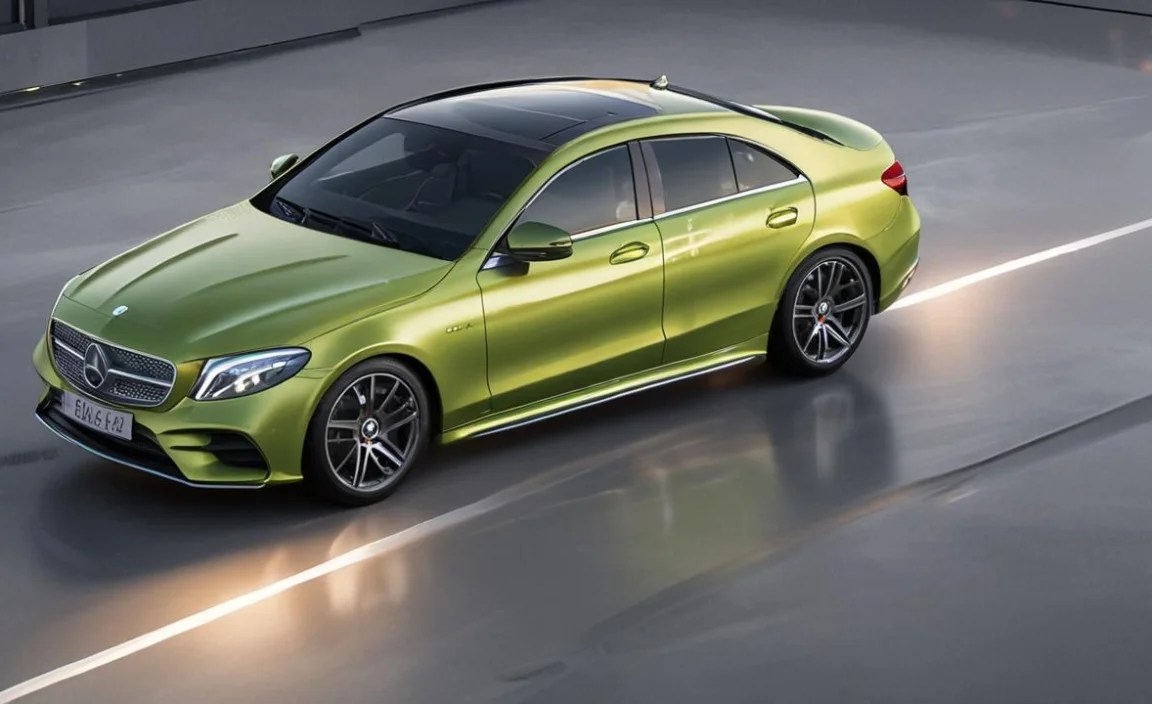
The communication between your smartphone and your Mercedes-Benz is heavily encrypted. This means that even if data were intercepted (which is highly unlikely given the short-range nature of NFC and secure Bluetooth protocols), it would be incomprehensible to anyone without the correct decryption keys.
Authentication and Authorization

The entire process is managed through your secure Mercedes me account. This provides a layer of identity verification and ensures that only the legitimate owner can authorize the Digital Key to be provisioned and shared. The physical proximity requirement (holding the phone to the door handle or having it inside the car) adds another layer of security, preventing remote attacks from a distance.
Key Management and Revocation

Should your phone be lost or stolen, you can immediately revoke the Digital Key functionality through the Mercedes me portal or by contacting Mercedes-Benz customer support. This ability to instantly disable the key remotely is a significant security advantage over physical keys, which, if lost, require a more complex and costly replacement process for the vehicle’s entire key system.
Benefits of the Digital Key

Embracing the Digital Key technology offers several advantages:
- Unparalleled Convenience: No more searching for your keys; your smartphone is likely always with you.
- Enhanced Security: Leveraging hardware security and encrypted communication offers robust protection against key duplication or theft.
- Seamless Sharing: Easily and securely grant access to others without the need for physical key duplication.
- Digital Integration: It fits perfectly into a digitally connected lifestyle, offering a modern and futuristic ownership experience.
- Reduced Bulk: Eliminates the need to carry multiple key fobs, streamlining what you keep in your pockets or bag.
- Eco-Friendly: Reduces the need for manufacturing and disposing of plastic and metal key fobs.
Potential Downsides and Considerations

While the Digital Key offers many advantages, there are a few points to consider:
Smartphone Battery Dependence: If your smartphone’s battery dies, you won’t be able to use the Digital Key. However, most modern smartphones have systems to allow emergency access or starting for a limited time even with a depleted battery, and NFC can sometimes function even when the phone is powered off or in a low-power state. It’s always wise to keep a physical key fob with you as a backup, especially on longer journeys.
Loss or Theft of Smartphone: While the Digital Key can be remotely disabled, the loss or theft of your primary device is still a significant concern. Ensure your smartphone is protected with a strong passcode or biometric lock.
Compatibility limitations: Not all smartphones or older Mercedes-Benz models are compatible. Ensure your devices meet the requirements before relying solely on the Digital Key.
Learning Curve: For some users, adapting from a traditional key fob to a smartphone-based system might take a short period of adjustment.
Digital Key vs. Traditional Key Fob: A Comparison

Here’s a quick comparison to highlight the differences and advantages:
| Feature | Digital Key | Traditional Key Fob |
|---|---|---|
| Primary Interaction | Smartphone (NFC/Bluetooth) | Physical fob with buttons |
| Convenience | High – Smartphone often always with user. | Moderate – Requires carrying the fob. |
| Security Storage | Secure Element (Hardware) on phone. | Integrated chip within the fob. |
| Sharing Mechanism | Digital invitation via app, remote revocation. | Physical handover, harder to revoke. |
| Dependency | Smartphone battery, app functionality. | Fob battery. |
| Backup Need | Recommended for battery/app issues. | Usually the primary method. |
| Digital Integration | High – Integrates with Mercedes me app. | Low – Primarily for locking/unlocking/starting. |
Maintaining Your Digital Key

Maintaining your Digital Key is largely about ensuring your smartphone and Mercedes me account are kept up-to-date and secure:
- Keep Your Smartphone Software Updated: Install operating system updates promptly. These often include crucial security patches and performance enhancements that can affect the Digital Key’s operation.
- Keep the Mercedes-Benz App Updated: Regularly update the Mercedes me or Mercedes-Benz Service app through your device’s app store. Developers release updates to improve functionality, fix bugs, and enhance security.
- Maintain Your Mercedes me Account Security: Use a strong, unique password for your Mercedes me account and enable two-factor authentication if available. This adds a vital layer of security to your connected vehicle services. You can find information on two-factor authentication best practices from cybersecurity experts: CISA: Implementing Two-Factor Authentication.
- Monitor Device Permissions: Periodically review the permissions granted to the Mercedes-Benz app on your smartphone to ensure they are still appropriate and necessary for the Digital Key’s function.
- Regularly Test the Digital Key: Make it a habit to test unlocking, locking, and starting your vehicle with your Digital Key every so often, especially after major phone or app updates.
Frequently Asked Questions (FAQ)
Q1: Can I use my Digital Key if my phone’s battery is dead?

A1: In most cases, if your phone’s battery dies completely, you will not be able to use the Digital Key. However, some smartphones have a reserve power function for NFC or a grace period for stored credentials. It’s always recommended to keep a physical key fob with you as a backup.
Q2: What happens if I lose my smartphone?

A2: If you lose your smartphone, you can immediately disable the Digital Key remotely by logging into your Mercedes me account via a web browser or another device. You can also contact Mercedes-Benz customer support for assistance in revoking the key.
Q3: Can multiple people use the Digital Key for the same car?

A3:


