
Mercedes Sedan Online Booking: Your Effortless Guide
Quick Summary: Booking your Mercedes sedan online is easier than you think! Most dealerships and Mercedes-Benz offer user-friendly online platforms. Start by visiting the official Mercedes-Benz website or your local dealership’s site. Select your desired model, trim, and options. Then, fill out the booking form with your details and preferred dates. A representative will contact you to finalize the reservation and discuss payment options. Enjoy the luxury of driving a Mercedes-Benz!
Dreaming of sliding behind the wheel of a sleek Mercedes sedan? The good news is that booking a test drive or even reserving your very own Mercedes can often be done entirely online. This saves you time and lets you explore options from the comfort of your home. However, navigating the online booking process can sometimes feel a bit overwhelming. Don’t worry! This guide will walk you through each step, ensuring a smooth and stress-free experience. We’ll cover everything from finding the right website to understanding the booking terms, so you can get one step closer to driving your dream car.
Why Book Your Mercedes Sedan Online?

There are several compelling reasons to consider booking your Mercedes sedan online:
- Convenience: Browse models and options at your own pace, anytime, anywhere.
- Time-Saving: Skip the trip to the dealership until you’re ready to finalize the deal.
- Transparency: Access pricing information and compare models easily.
- Exclusive Deals: Some online platforms offer special promotions and incentives.
- Personalization: Customize your sedan with specific features and packages.
Step-by-Step Guide to Online Booking

Ready to get started? Follow these steps to book your Mercedes sedan online:
Step 1: Find the Right Website
The first step is to identify the official online platform for booking a Mercedes sedan. You have two main options:
- Mercedes-Benz Official Website: This is the primary source for exploring models, configuring your car, and finding local dealerships. Visit MBUSA.com for the US market or your country’s specific Mercedes-Benz website.
- Local Dealership Websites: Many dealerships have their own websites with online booking tools. Use the Mercedes-Benz website to find authorized dealerships near you, then visit their individual sites.
Step 2: Explore Available Models
Once you’re on the website, take your time to explore the different Mercedes sedan models. Consider your needs and preferences, such as:
- Size: C-Class (compact), E-Class (mid-size), S-Class (full-size)
- Performance: Standard models, AMG performance variants
- Features: Technology packages, interior options, safety features
Use the website’s model comparison tool to see the differences between various models and trims. Pay attention to key specifications like engine performance, fuel economy, and standard features.
Step 3: Configure Your Dream Sedan
Many online platforms allow you to configure your desired Mercedes sedan. This involves selecting:
- Trim Level: Base, Premium, AMG, etc.
- Exterior Color: Choose from a range of available colors.
- Interior Upholstery: Select your preferred material and color.
- Optional Packages: Add features like driver assistance systems, entertainment upgrades, and comfort enhancements.
- Individual Options: Customize your car with stand-alone options like panoramic sunroof, upgraded wheels, and advanced lighting systems.
As you configure your sedan, the website will typically display the estimated price, including options and taxes. This helps you stay within your budget and make informed decisions.
Step 4: Initiate the Booking Process
Once you’ve configured your ideal Mercedes sedan, look for a “Build & Price,” “Request a Quote,” or “Check Availability” button. Clicking this button will typically take you to a booking form or lead you to contact a dealer.
The specific wording may vary depending on the website, but the goal is to express your interest in booking or reserving the configured vehicle.
Step 5: Fill Out the Booking Form
The booking form will typically ask for the following information:
- Personal Details: Name, address, phone number, email address
- Vehicle Configuration: Selected model, trim, color, and options
- Preferred Dealership: Choose a local dealership if applicable
- Desired Timeframe: Indicate when you’d like to take delivery of the vehicle
- Financing Options: Specify if you plan to lease or purchase the car
- Trade-In Information: Provide details about your current vehicle if you plan to trade it in.
Be sure to provide accurate and complete information to ensure a smooth booking process. Double-check all details before submitting the form.
Step 6: Review and Submit Your Request
Before submitting the booking form, take a moment to review all the information you’ve provided. Ensure that everything is correct and complete. Once you’re satisfied, click the “Submit” button.
You may receive a confirmation email or message indicating that your request has been received. This doesn’t necessarily mean that your booking is confirmed, but it does confirm that the dealership or Mercedes-Benz has received your inquiry.
Step 7: Follow Up with the Dealership
After submitting your booking request, it’s essential to follow up with the dealership or Mercedes-Benz representative. This allows you to:
- Confirm Availability: Verify that the configured vehicle is available or can be built to your specifications.
- Discuss Pricing: Get a firm quote, including taxes, fees, and incentives.
- Explore Financing Options: Discuss leasing and financing options with the dealership’s finance department.
- Schedule a Test Drive: If you haven’t already, schedule a test drive to experience the car firsthand.
- Finalize the Booking: Once you’re satisfied with the terms, finalize the booking and place a deposit if required.
Be prepared to answer any questions the dealership may have about your needs and preferences. The more information you provide, the easier it will be for them to assist you.
Understanding Booking Terms and Conditions

Before finalizing your online booking, be sure to carefully review the terms and conditions. Pay attention to the following:
- Deposit Requirements: Understand the amount of the deposit and the payment method.
- Cancellation Policy: Know the terms for canceling your booking and whether you’ll receive a refund of your deposit.
- Delivery Timeframe: Get an estimated delivery date and understand any potential delays.
- Pricing Guarantees: Confirm that the quoted price is guaranteed and what factors could affect it.
- Warranty Information: Review the terms of the manufacturer’s warranty.
If you have any questions or concerns about the terms and conditions, don’t hesitate to ask the dealership representative for clarification. It’s essential to fully understand your obligations before committing to the booking.
Tips for a Smooth Online Booking Experience

To ensure a seamless online booking experience, consider these tips:
- Do Your Research: Before you start configuring your sedan, research different models, trims, and options.
- Set a Budget: Determine how much you’re willing to spend and stick to your budget.
- Read Reviews: Check online reviews of dealerships and models to get insights from other customers.
- Compare Offers: Get quotes from multiple dealerships to compare pricing and incentives.
- Ask Questions: Don’t hesitate to ask the dealership representative any questions you may have.
- Be Patient: The online booking process may take some time, so be patient and persistent.
Common Mistakes to Avoid
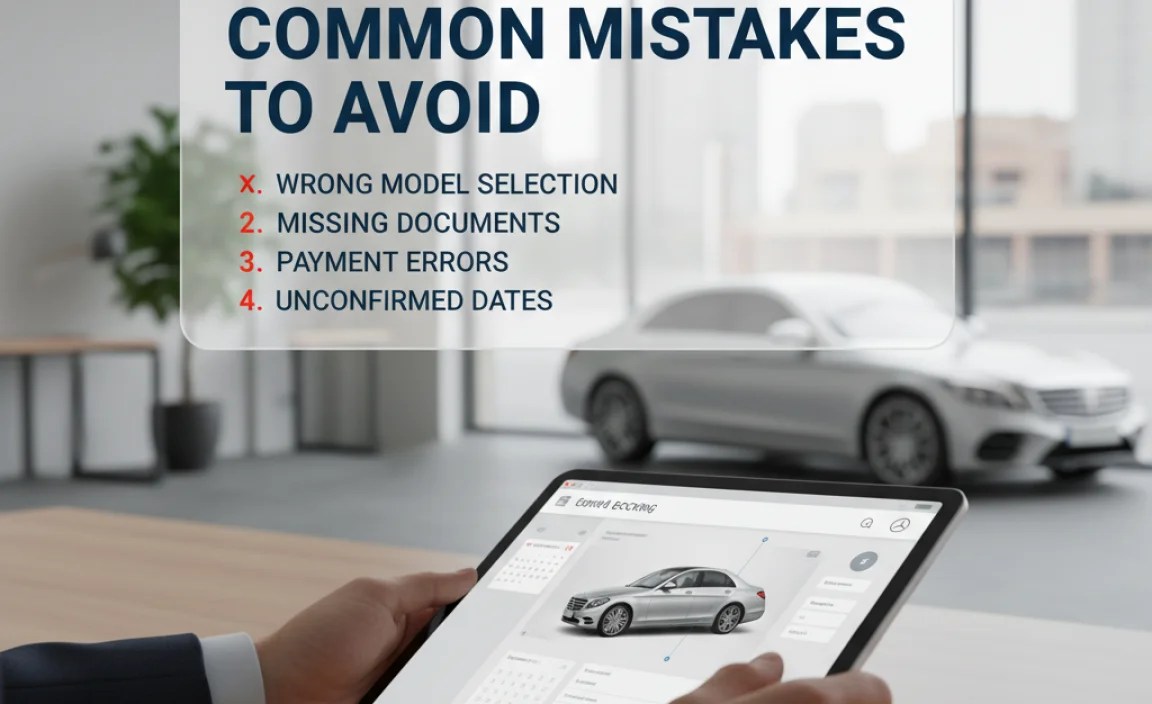
Avoid these common mistakes when booking your Mercedes sedan online:
- Not Reading the Fine Print: Always read the terms and conditions carefully before submitting your booking.
- Providing Inaccurate Information: Double-check all information you provide to ensure accuracy.
- Not Following Up: Follow up with the dealership promptly to confirm availability and discuss pricing.
- Ignoring Your Budget: Don’t get carried away with options and exceed your budget.
- Rushing the Process: Take your time to explore all options and make informed decisions.
Mercedes-Benz Sedan Lineup: A Quick Overview
Here’s a quick overview of the current Mercedes-Benz sedan lineup:
| Model | Description | Key Features |
|---|---|---|
| C-Class | Compact luxury sedan, known for its agility and modern technology. | MBUX infotainment system, advanced driver-assistance features, sporty handling. |
| E-Class | Mid-size luxury sedan, offering a blend of comfort, technology, and performance. | Spacious interior, advanced safety features, available hybrid powertrain. |
| S-Class | Full-size luxury sedan, representing the pinnacle of Mercedes-Benz engineering and innovation. | Luxurious interior, cutting-edge technology, exceptional ride comfort. |
| CLA | Stylish coupe-like sedan, appealing to younger buyers. | Distinctive design, sporty handling, advanced technology features. |
| AMG GT 4-Door Coupe | High-performance sedan with aggressive styling and powerful engines. | AMG performance enhancements, sporty handling, luxurious interior. |
Mercedes-Benz Online Booking: What to Expect After Submission
After submitting your Mercedes-Benz online booking request, here’s what typically happens next:
- Confirmation Email: You’ll usually receive an automated email confirming that your request has been received.
- Dealership Contact: A representative from your chosen dealership will contact you—typically within 24-48 hours.
- Consultation: The dealer will discuss your configuration, availability, and any potential customization options.
- Pricing Details: Expect a detailed breakdown of pricing, including MSRP, taxes, and any applicable fees.
- Financing Options: The dealer will present financing or leasing options tailored to your needs.
- Test Drive: You’ll have the opportunity to schedule a test drive to experience the vehicle firsthand.
- Finalizing the Order: If everything meets your expectations, you can finalize the order and place a deposit.
Payment Options for Online Bookings
When booking your Mercedes-Benz online, you’ll typically encounter several payment options for placing a deposit or finalizing the purchase:
- Credit/Debit Cards: Most dealerships accept major credit and debit cards for online deposits.
- Electronic Funds Transfer (EFT): You can transfer funds directly from your bank account.
- Certified Check: Some dealerships may require a certified check for larger deposit amounts.
- Financing: If you’re financing the vehicle, the dealership will coordinate with your lender.
- Leasing: Leasing options usually involve an initial payment, which can be made through various methods.
How to Track Your Order
Once you’ve placed your order, staying informed about its status is crucial. Here’s how you can typically track your Mercedes-Benz order:
- Dealership Updates: Your dealer should provide regular updates on your vehicle’s production and delivery timeline.
- Online Portal: Some manufacturers offer an online portal where you can track your order’s progress.
- Email Notifications: Expect email notifications regarding key milestones, such as production start and shipping.
- Direct Contact: Don’t hesitate to reach out to your dealer directly for any updates or questions.
Mercedes-Benz Online Booking: Pros and Cons
Booking your Mercedes-Benz online offers numerous advantages, but it’s important to consider the potential drawbacks as well:
| Pros | Cons |
|---|---|
| Convenience of browsing models and options from home. | Inability to physically inspect the vehicle before finalizing the order. |
| Time-saving compared to multiple dealership visits. | Potential for miscommunication or misunderstandings without face-to-face interaction. |
| Transparency in pricing and configuration. | Dependence on online tools and internet connectivity. |
| Access to exclusive online deals and promotions. | Risk of online fraud or security breaches if proper precautions are not taken. |
| Customization options to tailor the vehicle to your preferences. | Limited negotiation power compared to in-person interactions. |
FAQ: Mercedes Sedan Online Booking
- Q: Can I really book a Mercedes sedan entirely online?
- A: Yes, many dealerships and Mercedes-Benz offer online platforms where you can configure your car, request a quote, and even place a booking. You’ll likely need to finalize the deal in person or over the phone.
- Q: What information do I need to book a Mercedes online?
- A: You’ll need your personal details (name, address, contact info), preferred model and options, desired timeframe, and financing preferences.
- Q: Is it safe to provide my financial information online?
- A: Ensure the website is secure (look for “https” in the URL) and only provide financial information on trusted platforms. Most dealerships use secure payment gateways.
- Q: Can I cancel my online booking?
- A: Yes, but the terms vary. Check the cancellation policy regarding deposit refunds. Contact the dealership immediately if you need to cancel.
- Q: How long does it take to get my car after booking online?
- A: Delivery times vary depending on model availability, customization options, and production schedules. The dealership will provide an estimated timeframe.
- Q: What if I have questions during the online booking process?
- A: Contact the dealership’s online sales team via phone, email, or live chat. They’re there to assist you with any questions or concerns.
- Q: Can I trade in my current car when booking online?
- A: Yes, most dealerships allow you to provide trade-in information during the online booking process. They will typically require an in-person appraisal to finalize the trade-in value.
Conclusion
Booking your Mercedes sedan online offers a convenient and efficient way to explore models, configure your dream car, and initiate the purchase process. By following the steps outlined in this guide, understanding the booking terms, and avoiding common mistakes, you can ensure a smooth and satisfying experience. Remember to do your research, set a budget, and communicate effectively with the dealership. Soon, you’ll be enjoying the luxury and performance of your new Mercedes-Benz!
“`


