
Mercedes Wireless Charging Explained: Which Models Have It & How to Use It
Quick Summary: Many newer Mercedes-Benz models offer wireless charging for compatible smartphones. To use it, simply place your phone face up on the charging pad located in the center console. Ensure your phone supports Qi wireless charging and is properly aligned for optimal charging. Not all models have it standard, so check your vehicle’s specifications or consult your owner’s manual.
Frustrated that your phone is always dying on the road? Wireless charging in your Mercedes-Benz can be a lifesaver! It eliminates the need for messy cables and keeps your phone powered up while you’re on the go. But which Mercedes models actually have this feature, and how do you use it correctly? Don’t worry, we’ll break it down for you. This guide will walk you through everything you need to know about Mercedes wireless charging, including compatible models, how to use it, and troubleshooting tips. Let’s get started!
Which Mercedes Models Offer Wireless Charging?

Wireless charging isn’t standard on every Mercedes-Benz model, but it’s becoming increasingly common in newer vehicles. Here’s a general overview; always confirm with your specific vehicle’s documentation:
- Newer C-Class (W206): Wireless charging is often included in optional packages.
- E-Class (W213 & W214): Available, particularly in higher trim levels or as part of specific packages.
- S-Class (W223): Typically included as a standard feature due to its flagship status.
- GLC SUV (X253 & X254): Usually available as an option or within a package.
- GLE SUV (V167): Often included, especially in higher trims.
- GLS SUV (X167): Typically a standard feature.
- EQ Models (EQA, EQB, EQC, EQE, EQS): Generally include wireless charging as standard equipment.
Note: Availability can vary by model year and specific trim level. Always check the vehicle’s specifications or consult your owner’s manual to confirm.
How to Use Wireless Charging in Your Mercedes

Using the wireless charging feature in your Mercedes is very straightforward. Here’s a step-by-step guide:
- Locate the Charging Pad: The wireless charging pad is usually located in the center console, often in front of the cup holders or under the armrest.
- Ensure Compatibility: Make sure your smartphone supports Qi wireless charging. Most modern smartphones, including iPhones and Android devices, are compatible.
- Position Your Phone: Place your phone face up on the charging pad. Center it as much as possible for optimal charging. Some pads have markings to help you align it correctly.
- Check for Charging Indication: The vehicle’s infotainment system or the charging pad itself should indicate that charging has begun. You might see a charging icon on your phone’s screen as well.
- Avoid Obstructions: Remove any objects between your phone and the charging pad, such as credit cards, metal objects, or thick phone cases. These can interfere with the charging process.
Troubleshooting Common Wireless Charging Issues

Sometimes, wireless charging might not work as expected. Here are some common issues and how to troubleshoot them:
- Phone Not Charging:
- Check Compatibility: Ensure your phone supports Qi wireless charging.
- Alignment: Make sure your phone is correctly aligned on the charging pad.
- Obstructions: Remove any cases or objects that might be interfering with the connection.
- Restart Your Phone: Sometimes, a simple restart can resolve charging issues.
- Slow Charging:
- Phone Case: Thick or metallic phone cases can slow down the charging process. Try removing the case.
- Temperature: High temperatures can affect charging speed. Ensure your phone and the charging pad are not overheating.
- Software Updates: Keep your phone’s software updated, as updates often include improvements to charging performance.
- Charging Intermittently:
- Movement: Avoid moving the phone while it’s charging, as this can interrupt the connection.
- Pad Issues: Check for any damage or debris on the charging pad.
Tips for Optimal Wireless Charging
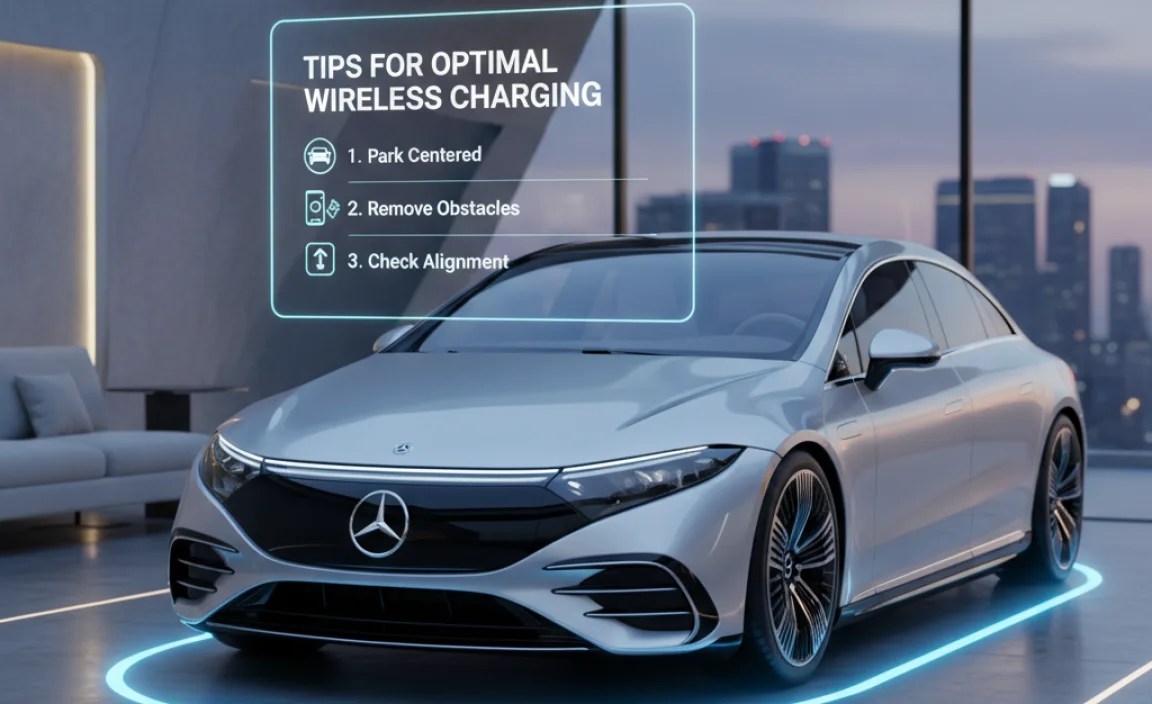
Follow these tips to ensure the best wireless charging experience in your Mercedes:
- Use a Compatible Phone Case: Opt for a thin, non-metallic phone case to avoid interference.
- Keep the Charging Pad Clean: Regularly clean the charging pad to remove dust and debris.
- Avoid Extreme Temperatures: Don’t leave your phone on the charging pad in direct sunlight or extreme heat.
- Update Your Phone’s Software: Keep your phone’s operating system up to date for the latest charging optimizations.
- Consult Your Owner’s Manual: Refer to your Mercedes-Benz owner’s manual for specific instructions and recommendations.
Understanding Qi Wireless Charging Technology

Qi (pronounced “chee”) is the global standard for wireless charging. It uses inductive charging, where energy is transferred between two coils via an electromagnetic field. Here’s a simplified explanation:
- Inductive Charging: When your phone is placed on the charging pad, the coils inside the pad generate an electromagnetic field that induces a current in the coil inside your phone.
- Power Transfer: This induced current powers your phone’s battery, charging it wirelessly.
- Safety Measures: Qi-certified devices undergo rigorous testing to ensure safety and prevent overheating or other potential issues.
Comparing Wireless Charging to Traditional Charging
Here’s a comparison of wireless charging and traditional wired charging:
| Feature | Wireless Charging | Wired Charging |
|---|---|---|
| Convenience | Very convenient; no cables needed | Requires cables |
| Charging Speed | Generally slower than wired charging | Faster charging speeds |
| Port Wear | Reduces wear on your phone’s charging port | Can cause wear and tear on the port |
| Compatibility | Requires Qi-compatible devices | Compatible with most devices via USB |
| Efficiency | Less energy-efficient | More energy-efficient |
Benefits of Wireless Charging in Your Mercedes
Wireless charging offers several advantages for Mercedes-Benz owners:
- Convenience: No need to fumble with cables while driving.
- Cleanliness: Reduces clutter in your car’s interior.
- Preservation: Minimizes wear and tear on your phone’s charging port.
- Integration: Seamlessly integrates with your car’s technology.
Potential Drawbacks of Wireless Charging
While wireless charging is convenient, it also has some potential drawbacks:
- Charging Speed: Wireless charging is generally slower than wired charging.
- Efficiency: It’s less energy-efficient, meaning some energy is lost during the transfer.
- Heat: Wireless charging can generate more heat compared to wired charging, which might affect battery health over time.
Future Trends in Wireless Charging Technology
Wireless charging technology is continuously evolving. Here are some trends to watch out for:
- Faster Charging Speeds: Future wireless charging standards will likely offer faster charging speeds, rivaling wired charging.
- Longer Range Charging: Development of wireless charging that works over greater distances, eliminating the need for direct contact with the charging pad.
- Integration with Smart Home Devices: Seamless integration with smart home ecosystems, allowing for wireless charging of multiple devices simultaneously.
Maintaining Your Mercedes Wireless Charging System
Proper maintenance can ensure the longevity and efficiency of your Mercedes wireless charging system:
- Regular Cleaning: Clean the charging pad regularly with a soft, dry cloth to remove dust and debris.
- Avoid Spills: Prevent liquids from spilling onto the charging pad. If a spill occurs, clean it immediately.
- Inspect for Damage: Periodically inspect the charging pad for any signs of damage, such as cracks or frayed wires.
- Professional Service: If you experience any persistent issues, consult a certified Mercedes-Benz technician.
DIY vs. Professional Installation of Wireless Charging
If your Mercedes doesn’t come with wireless charging, you might consider adding it. Here’s a comparison of DIY versus professional installation:
| Factor | DIY Installation | Professional Installation |
|---|---|---|
| Cost | Lower upfront cost | Higher upfront cost |
| Expertise | Requires technical knowledge and experience | Performed by trained technicians |
| Time | Can be time-consuming | Faster installation |
| Warranty | May void vehicle warranty | Usually comes with a warranty |
| Safety | Potential risk of damage or injury | Safer and more reliable |
Note: If you’re not comfortable working with your car’s electrical system, it’s best to opt for professional installation.
Alternative Charging Solutions for Mercedes Owners
If wireless charging isn’t available or convenient, consider these alternative charging solutions:
- USB Charging Ports: Use the USB ports in your car to charge your phone with a cable.
- 12V Adapters: Use a 12V adapter with USB ports to charge multiple devices simultaneously.
- Portable Power Banks: Keep a portable power bank in your car for emergency charging.
Mercedes-Benz User Forums and Communities
Connect with other Mercedes-Benz owners to share tips, ask questions, and learn more about wireless charging and other features:
- MBWorld.org: A popular forum for Mercedes-Benz enthusiasts.
- Mercedes-Benz Club of America: Join a local chapter for events and discussions.
- Reddit: Check out subreddits like r/Mercedes_Benz for community support.
Top Accessories for Mercedes Wireless Charging
Enhance your wireless charging experience with these accessories:
- Thin Phone Cases: Opt for thin, non-metallic cases that won’t interfere with charging.
- Charging Pad Mats: Use a non-slip mat to keep your phone securely in place on the charging pad.
- USB Charging Cables: Keep a high-quality USB cable in your car for wired charging when needed.
1. Is wireless charging standard on all Mercedes models?
No, wireless charging is not standard on all Mercedes-Benz models. It’s more common in newer models and higher trim levels. Check your vehicle’s specifications or consult your owner’s manual to confirm.
2. What if my phone isn’t charging on the wireless pad?
First, ensure your phone supports Qi wireless charging. Then, check the phone’s alignment on the pad, remove any obstructions like thick cases, and restart your phone. If it still doesn’t work, there might be an issue with the charging pad itself.
3. Can I use any phone case with wireless charging?
No, thick or metallic phone cases can interfere with wireless charging. Opt for a thin, non-metallic case for optimal charging performance.
4. Why is wireless charging slower than wired charging?
Wireless charging is generally slower because it’s less energy-efficient. Some energy is lost during the wireless transfer process.
5. How do I clean the wireless charging pad in my Mercedes?
Use a soft, dry cloth to gently wipe the charging pad. Avoid using liquids or abrasive cleaners that could damage the surface.
6. What does Qi-compatible mean for wireless charging?
Qi is the global standard for wireless charging. A Qi-compatible device can be charged wirelessly using inductive charging technology, ensuring safety and compatibility.
7. Can wireless charging overheat my phone?
Wireless charging can generate more heat compared to wired charging, but Qi-certified devices have safety measures to prevent overheating. Avoid leaving your phone on the charging pad in direct sunlight or extreme heat.
Conclusion
Wireless charging in your Mercedes-Benz offers a convenient way to keep your smartphone powered up on the go. While it may not be standard on every model, it’s becoming increasingly common, especially in newer vehicles. By understanding how to use the system correctly, troubleshooting common issues, and following our tips, you can enjoy a seamless and clutter-free charging experience. So, the next time you hit the road, leave those tangled cables behind and embrace the convenience of wireless charging in your Mercedes.
“`


