
Mercedes Voice Assistant by Model: A Complete Guide
Quick Summary: The Mercedes-Benz voice assistant, MBUX, allows you to control various car functions using natural voice commands. While MBUX is standard on most new Mercedes models, the features and capabilities can vary slightly depending on the model year and trim level. This guide breaks down the MBUX system, how to use it, and any model-specific differences you should know.
Is your Mercedes not responding to your voice commands? Or maybe you’re just curious about what your MBUX system can really do? Many drivers find the Mercedes-Benz User Experience (MBUX) system a little confusing at first. Don’t worry, you’re not alone! This guide will walk you through everything you need to know about the Mercedes voice assistant, model by model. We’ll cover how to activate it, the commands you can use, and any differences between models. Get ready to unleash the full potential of your Mercedes!
What is MBUX?

MBUX, or Mercedes-Benz User Experience, is the infotainment system found in modern Mercedes-Benz vehicles. It’s designed to be intuitive and user-friendly, with a focus on voice control. The system uses natural language understanding, meaning you can speak to it in a conversational way, rather than memorizing specific commands.
Activating MBUX
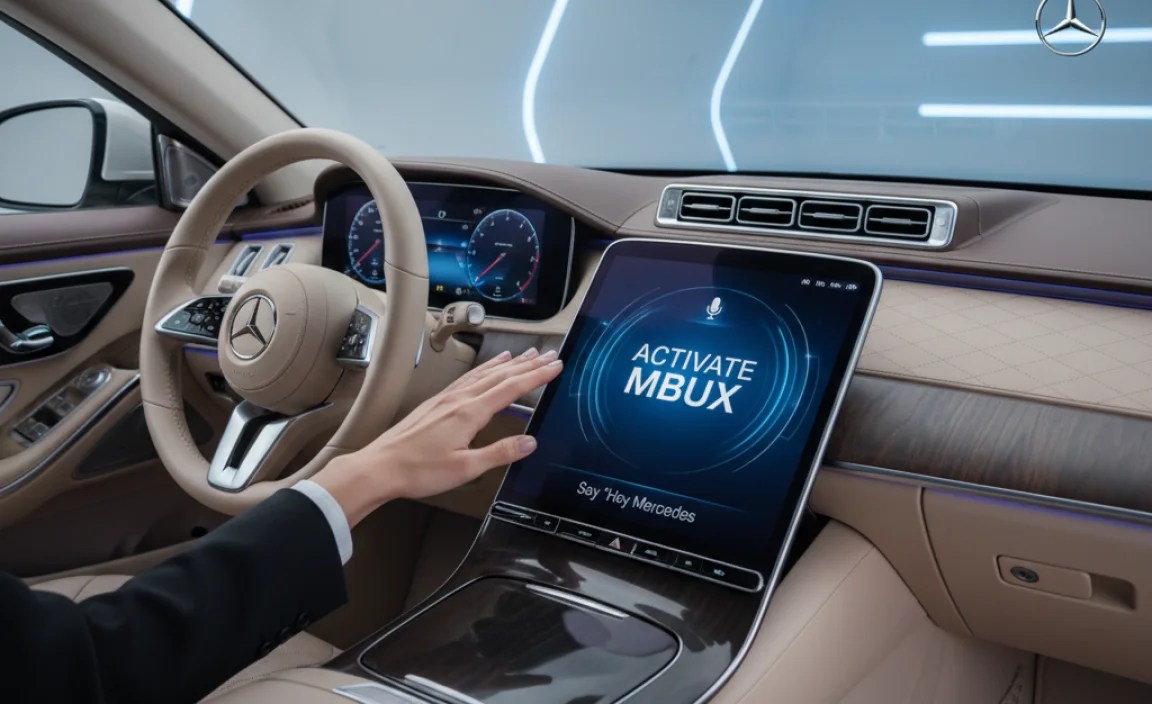
There are two primary ways to activate the MBUX voice assistant:
- Saying “Hey Mercedes”: This is the most common way. Simply say “Hey Mercedes,” followed by your command.
- Pressing the Voice Command Button: Located on the steering wheel, pressing this button will also activate the voice assistant.
Basic Voice Commands
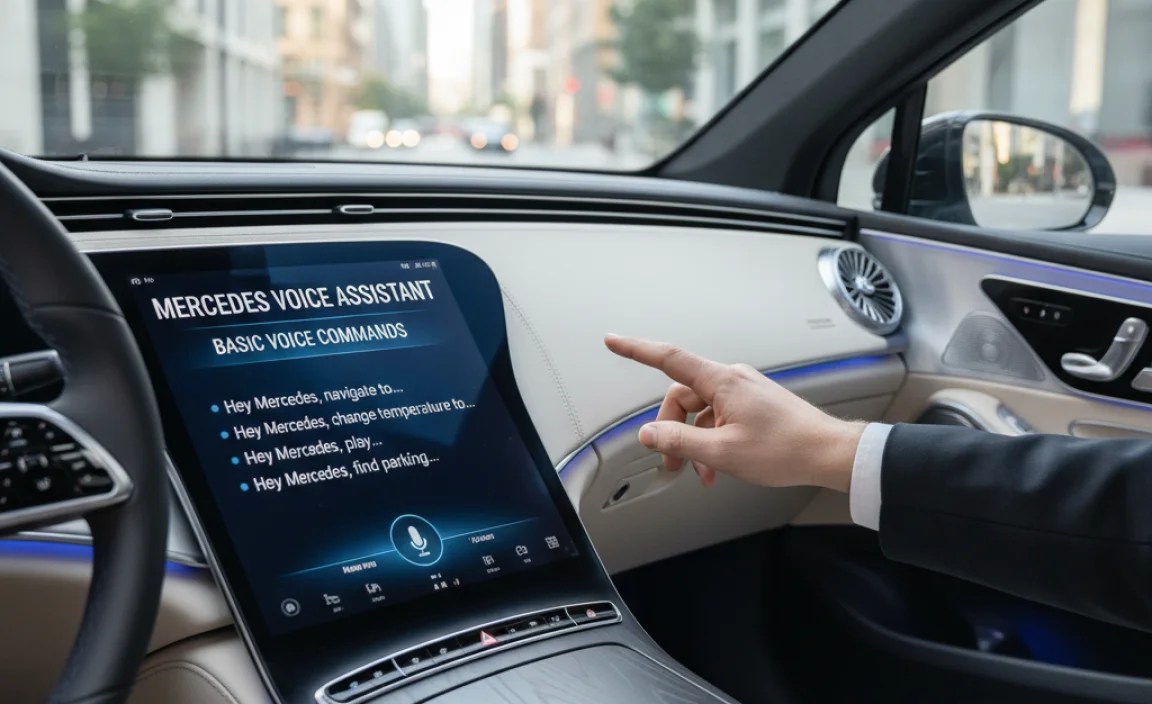
Here are some basic voice commands you can use with MBUX:
- Navigation: “Hey Mercedes, navigate to [address]” or “Hey Mercedes, take me to the nearest gas station.”
- Phone: “Hey Mercedes, call [contact name]” or “Hey Mercedes, dial [phone number].”
- Music: “Hey Mercedes, play [song title]” or “Hey Mercedes, turn up the volume.”
- Climate Control: “Hey Mercedes, I’m cold” or “Hey Mercedes, set the temperature to 72 degrees.”
- Vehicle Functions: “Hey Mercedes, turn on the seat heaters” or “Hey Mercedes, open the sunroof.”
- Information: “Hey Mercedes, what’s the weather like?” or “Hey Mercedes, what time is it?”
MBUX by Model: Key Differences
While the core functionality of MBUX is consistent across most models, there can be differences in features and capabilities depending on the specific Mercedes-Benz vehicle. These differences are often related to the technology package installed or the model year of the vehicle.
A-Class
The A-Class was one of the first Mercedes-Benz models to feature MBUX. In the A-Class, MBUX is standard with a 7-inch touchscreen, which can be upgraded to a 10.25-inch screen.
- Standard Features: Navigation, Bluetooth connectivity, Apple CarPlay, and Android Auto.
- Available Upgrades: Augmented Reality Navigation, Head-Up Display, and advanced sound systems.
C-Class
The C-Class offers a more refined MBUX experience compared to the A-Class. The latest generation C-Class features a portrait-style touchscreen.
- Standard Features: Wireless Apple CarPlay, Android Auto, and fingerprint sensor for personalized profiles.
- Available Upgrades: MBUX Interior Assistant (gesture control), Burmester 3D Surround Sound system.
E-Class
The E-Class is known for its advanced technology and luxurious features. MBUX in the E-Class includes a dual-screen setup.
- Standard Features: Two 12.3-inch displays, advanced driver assistance systems integration, and enhanced voice control.
- Available Upgrades: Energizing Comfort Control, which adjusts cabin lighting, temperature, and massage functions based on your mood.
S-Class
The S-Class represents the pinnacle of Mercedes-Benz luxury and technology. MBUX in the S-Class is the most advanced version available.
- Standard Features: A large OLED touchscreen, MBUX Interior Assistant with 3D camera, and biometric authentication.
- Available Upgrades: Rear Seat Entertainment system with individual touchscreens, and Executive Rear Seat Package with reclining seats and massage functions.
GLA, GLB, GLC, GLE, GLS (SUVs)
Mercedes-Benz SUVs offer a range of MBUX features, with variations depending on the model and trim level.
- GLA/GLB: Similar to the A-Class, these models offer standard MBUX with available upgrades such as larger screens and Augmented Reality Navigation.
- GLC: The GLC offers a more advanced MBUX system with enhanced voice control and available features like MBUX Interior Assistant.
- GLE/GLS: These larger SUVs feature the latest MBUX technology, including dual-screen displays, advanced driver assistance integration, and available features like Energizing Comfort Control.
EQ Models (Electric)
The Mercedes-Benz EQ models (electric vehicles) have MBUX systems tailored for EV driving.
- EQA/EQB: These models feature MBUX with EV-specific features like charging station locations, range monitoring, and pre-conditioning.
- EQC: The EQC offers a more advanced MBUX system with enhanced EV-related information and controls.
- EQS/EQE: These flagship electric sedans feature the most advanced MBUX technology, including large OLED screens, augmented reality head-up displays, and advanced EV-specific features.
Advanced MBUX Features

Beyond the basic voice commands, MBUX offers several advanced features that enhance the driving experience:
- Augmented Reality Navigation: Overlays navigation instructions onto a live video feed of the road ahead, making it easier to follow directions.
- MBUX Interior Assistant: Uses cameras and sensors to detect your hand and arm movements, allowing you to control certain functions with gestures.
- Energizing Comfort Control: Coordinates various vehicle systems, such as lighting, climate control, and massage functions, to create a specific mood or feeling.
- Predictive User Interface: Learns your habits and preferences over time, anticipating your needs and offering suggestions.
- Over-the-Air Updates: Allows you to update the MBUX software wirelessly, ensuring you always have the latest features and improvements.
Troubleshooting Common MBUX Issues
Even with its advanced technology, MBUX can sometimes experience issues. Here are some common problems and how to troubleshoot them:
- MBUX Not Responding to Voice Commands:
- Make sure the microphone is not muted.
- Check your internet connection (if using online features).
- Try restarting the MBUX system by holding down the power button.
- Navigation Issues:
- Ensure your GPS signal is strong.
- Update your navigation maps.
- Verify the destination address is entered correctly.
- Bluetooth Connectivity Problems:
- Forget the device on both your phone and the MBUX system, then re-pair them.
- Make sure Bluetooth is enabled on both devices.
- Check for software updates for your phone and the MBUX system.
MBUX and Mercedes Me Connect
MBUX is integrated with Mercedes Me Connect, a suite of connected car services that allows you to control and monitor your vehicle remotely. With Mercedes Me Connect, you can:
- Remote Start: Start your engine from your smartphone.
- Lock/Unlock Doors: Lock or unlock your doors remotely.
- Vehicle Monitoring: Check your vehicle’s status, including fuel level, tire pressure, and mileage.
- Send2Car: Send destinations directly to your vehicle’s navigation system from your smartphone.
- Emergency Call System: Automatically contacts emergency services in the event of an accident.
Tips for Using MBUX Effectively
To get the most out of your MBUX system, consider these tips:
- Learn the Voice Commands: Familiarize yourself with the available voice commands to control various vehicle functions.
- Customize Your Settings: Adjust the MBUX settings to your preferences, such as display brightness, audio settings, and user profiles.
- Use the Touchpad and Touchscreen: Experiment with the touchpad and touchscreen to find the input methods that work best for you.
- Keep Your System Updated: Regularly update the MBUX software to ensure you have the latest features and bug fixes.
- Explore Mercedes Me Connect: Take advantage of the Mercedes Me Connect services to remotely control and monitor your vehicle.
Comparing MBUX Across Different Mercedes Models
Here is a table summarizing the MBUX features available in different Mercedes-Benz models:
| Model | Standard Features | Available Upgrades |
|---|---|---|
| A-Class | 7-inch touchscreen, Navigation, Bluetooth, Apple CarPlay, Android Auto | 10.25-inch screen, Augmented Reality Navigation, Head-Up Display |
| C-Class | Wireless Apple CarPlay, Android Auto, Fingerprint sensor | MBUX Interior Assistant, Burmester 3D Surround Sound |
| E-Class | Dual 12.3-inch displays, Advanced driver assistance integration | Energizing Comfort Control |
| S-Class | Large OLED touchscreen, MBUX Interior Assistant with 3D camera | Rear Seat Entertainment, Executive Rear Seat Package |
| GLA/GLB | Similar to A-Class | Larger screens, Augmented Reality Navigation |
| GLC | Enhanced voice control | MBUX Interior Assistant |
| GLE/GLS | Dual-screen displays, Advanced driver assistance integration | Energizing Comfort Control |
| EQA/EQB | EV-specific features | N/A |
| EQC | Enhanced EV-related information | N/A |
| EQS/EQE | Large OLED screens, Augmented Reality Head-Up Display | N/A |
Staying Updated with MBUX
Mercedes-Benz continuously improves the MBUX system with software updates and new features. Here’s how to stay updated:
- Over-the-Air Updates: Enable automatic software updates in your MBUX settings to receive the latest improvements wirelessly.
- Mercedes Me Connect App: Check the Mercedes Me Connect app for notifications about available updates and new features.
- Mercedes-Benz Website: Visit the official Mercedes-Benz website for information about MBUX updates and new features.
MBUX vs. Competitors
MBUX is often compared to other voice assistant systems in the automotive industry. Here’s a brief comparison:
- BMW iDrive: BMW’s iDrive system also offers voice control, but MBUX is generally considered more intuitive and natural language-based.
- Audi MMI: Audi’s MMI system is known for its sleek design and advanced features, but MBUX offers a more user-friendly voice control experience.
- Tesla Voice Control: Tesla’s voice control system is highly integrated with the vehicle’s functions, but MBUX offers a more comprehensive suite of features and services.
Future of MBUX
Mercedes-Benz is committed to continuously improving the MBUX system. Future developments may include:
- Enhanced Artificial Intelligence: Further improvements to natural language understanding and predictive capabilities.
- Advanced Personalization: More personalized user profiles and customized experiences.
- Integration with Smart Home Devices: Seamless integration with smart home devices, allowing you to control your home from your vehicle.
- Expanded Voice Command Capabilities: Additional voice commands for controlling more vehicle functions and accessing information.
FAQ About Mercedes Voice Assistant (MBUX)
Here are some frequently asked questions about the Mercedes-Benz User Experience (MBUX) voice assistant:
Q1: How do I activate the Mercedes voice assistant?
A: You can activate MBUX by saying “Hey Mercedes” or by pressing the voice command button on your steering wheel.
Q2: What kind of commands can I give to MBUX?
A: You can use MBUX for navigation (“Hey Mercedes, navigate to…”), phone calls (“Hey Mercedes, call…”), music (“Hey Mercedes, play…”), climate control (“Hey Mercedes, I’m cold”), and vehicle functions (“Hey Mercedes, turn on the seat heaters”).
Q3: Does MBUX work in all Mercedes models?
A: MBUX is standard on most new Mercedes-Benz models, but the specific features and capabilities can vary depending on the model year and trim level.
Q4: Can I update my MBUX system?
A: Yes, MBUX can be updated over-the-air, ensuring you always have the latest features and improvements. You can also check for updates via the Mercedes Me Connect app.
Q5: What is Mercedes Me Connect?
A: Mercedes Me Connect is a suite of connected car services that integrates with MBUX, allowing you to remotely control and monitor your vehicle, start the engine, lock/unlock doors, and more.
Q6: What if MBUX isn’t responding to my voice commands?
A: Make sure the microphone isn’t muted, check your internet connection (if applicable), and try restarting the MBUX system. Also, ensure you’re speaking clearly and using recognized commands.
Q7: How does MBUX compare to other voice assistants?
A: MBUX is known for its intuitive, natural language-based voice control compared to systems like BMW iDrive and Audi MMI. It offers a comprehensive suite of features and services, often exceeding those of competitors.
Conclusion
The Mercedes-Benz voice assistant, MBUX, is a powerful tool that can enhance your driving experience. By understanding the features and capabilities of MBUX in your specific model, you can take full advantage of this advanced technology. Whether you’re navigating to a new destination, making a phone call, or adjusting the climate control, MBUX makes it easier than ever to stay connected and in control on the road. So, go ahead and explore the possibilities – “Hey Mercedes,” the future of driving is at your command!
“`


