
Coupe Car Digital Dashboard: Stunning & Effortless Experience
Coupe Car Digital Dashboard Explained: Stunning Visuals, Seamless Control
A coupe car digital dashboard transforms your driving experience. It offers a customizable, high-resolution display that replaces traditional analog gauges. This advanced technology provides intuitive access to vehicle information, navigation, and entertainment, all while exuding modern luxury. Understanding its features makes driving your coupe not only more enjoyable but also more efficient.
Welcome to MercedesBlue! As your guide to the sophisticated world of Mercedes-Benz, I often get asked about the digital dashboard. It’s a marvel of automotive engineering, offering a blend of cutting-edge technology and elegant design. Many owners find it incredibly intuitive, but like any advanced system, a little guidance can unlock its full potential.
This guide will demystify the coupe car digital dashboard, focusing on how it enhances your driving experience. We’ll explore its key features, customization options, and how to get the most out of this stunning innovation. Get ready to see your drive in a whole new light. Let’s dive in!
Understanding Your Coupe Car Digital Dashboard

The transformation from traditional analog dials to a fully digital display in modern coupes is revolutionary. This isn’t just about aesthetics; it’s about providing drivers with more information, greater control, and a richer, more personalized interaction with their vehicle. Think of it as the cockpit of a modern jetliner, tailored for the open road.
What Exactly is a Digital Dashboard?
At its core, a digital dashboard, often referred to as a ‘digital cockpit’ or ‘virtual cockpit,’ is a high-resolution screen that replaces the conventional instrument cluster. Instead of physical needles moving across static dials, all information is presented digitally, allowing for dynamic updates and a vast array of content. This display is typically integrated seamlessly into the dashboard design, often appearing as a single, expansive screen or two distinct, yet harmoniously blended, displays.
For Mercedes-Benz vehicles, this technology often manifests as the MBUX (Mercedes-Benz User Experience) system, which integrates infotainment, navigation, and vehicle data into a stunning, interactive display. The beauty lies in its adaptability; it can showcase everything from essential driving metrics like speed and RPM to complex navigation routes, media playback, and connectivity options, all rendered in sharp graphics and customizable layouts.
The Evolution from Analog to Digital
For decades, car dashboards relied on mechanical gauges. Speedometers, tachometers, fuel gauges – these were physical components with electrical or mechanical links to their respective sensors. While reliable, they offered limited flexibility. You got the information the manufacturer deemed most important, displayed in a fixed format.
The advent of digital displays in cars, initially in small readouts for mileage or basic warnings, paved the way for the sophisticated digital dashboards we see today. Early systems were often clunky and limited, but rapid advancements in processing power, screen technology (like OLED and high-definition LCDs), and software engineering have led to the stunning, interactive experiences offered by premium manufacturers like Mercedes-Benz. This evolution has been driven by a desire for:
- Enhanced driver information and engagement.
- Greater personalization and customization.
- Seamless integration of infotainment and connectivity.
- A more modern and luxurious interior aesthetic.
Key Features of Your Coupe’s Digital Dashboard

The versatility of a digital dashboard means it’s packed with features designed to enhance every aspect of your drive. From essential driving data to sophisticated navigation and entertainment, your digital cockpit is your command center.
Customizable Displays and Themes
One of the most compelling aspects of a digital dashboard is its ability to be tailored to your preferences. You’re not stuck with a single layout. Mercedes-Benz, for instance, offers various display styles and themes that can significantly alter the look and feel of your instrument cluster.
These themes often cater to different driving modes or personal preferences:
- Classic View: Mimics the traditional analog gauges with clear, focused information.
- Sport View: Emphasizes performance metrics like RPM, G-force, and lap times, often with a more aggressive visual style.
- Progressive View: Features a more minimalist and modern design, focusing on key information and often incorporating navigation prominently.
- Navigation-Focused View: Dedicates a significant portion of the screen to detailed maps and route guidance.
You can typically switch between these views with a few simple button presses on your steering wheel. This allows you to adapt the dashboard to your current driving situation – perhaps a sporty layout for a spirited drive on winding roads, or a navigation-centric view for a long highway journey.
Integrated Navigation and Infotainment
Forget fumbling with a separate GPS unit or a small center screen for directions. Modern digital dashboards seamlessly integrate full-color navigation systems directly into your line of sight. This means maps, turn-by-turn directions, and traffic information are displayed where you can see them most easily, minimizing distraction.
Beyond navigation, the digital cluster often serves as an extension of the car’s infotainment system. You can see and control media playback, view contact information from your paired phone, check vehicle settings, and even access certain comfort features, all without taking your eyes too far off the road. For example, when a song changes, album art and track information might briefly appear on the digital display.
Real-time Vehicle Data and Diagnostics
Your digital dashboard acts as a sophisticated health monitor for your coupe. It provides real-time updates on crucial vehicle data, often with far greater detail than analog gauges.
This can include:
- Precise Speed Readings: Digital numbers offer exact speed, rather than an approximation from a needle.
- Detailed Fuel Economy: Track your average and instantaneous fuel consumption.
- Tire Pressure Monitoring System (TPMS): See the pressure in each individual tire.
- Engine and Drivetrain Information: Monitor oil temperature, coolant temperature, and other vital signs, especially useful for performance driving.
- Driver Assistance Systems Status: Visual cues and alerts for systems like adaptive cruise control, lane keeping assist, and blind-spot monitoring.
- Diagnostic Alerts: Clearer, more informative warnings when a system needs attention.
This wealth of data empowers you to drive more efficiently, monitor your vehicle’s performance, and react proactively to any potential issues.
Customizing Your Digital Dashboard Experience
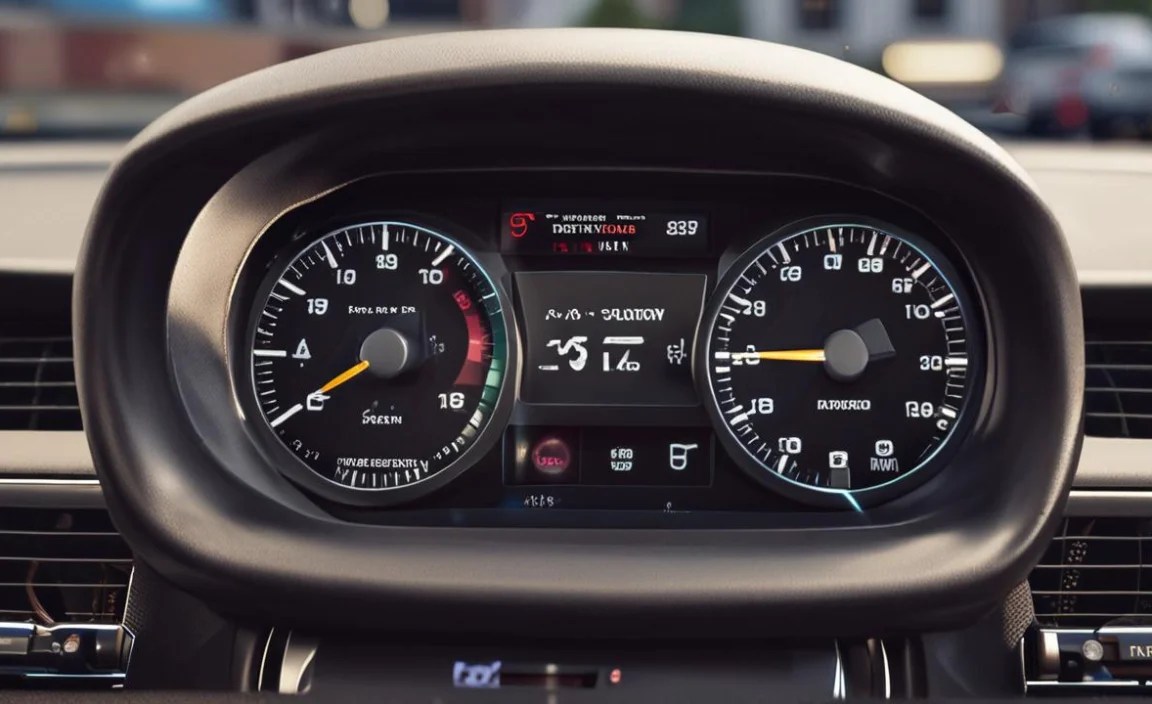
The power of a digital dashboard lies in its personalization. You can truly make it your own, reflecting your driving style and priorities. Mercedes-Benz’s MBUX system, for example, offers deep customization options.
Navigating the Menus
Most digital dashboards are controlled via buttons or a touchpad on the steering wheel. Take a few minutes to familiarize yourself with these controls.
Typically, you’ll find:
- Scroll/Up/Down Buttons: Used to navigate through menus and options within the display.
- “OK” or Select Button: Confirms selections.
- “Back” or “Home” Button: Returns to the previous screen or main menu.
- Contextual Buttons: Buttons that change function depending on the on-screen menu.
Consult your owner’s manual for the specific layout of your steering wheel controls. It’s worth spending a dedicated session, perhaps in your driveway, just exploring the different menus and sub-menus.
Personalizing Layouts and Widgets
Beyond just switching full themes, many systems allow you to customize individual “widgets” or information panels within your chosen layout. For instance, in the Sport view, you might be able to choose whether the smaller display shows the fuel gauge, oil temperature, or navigation directions.
This level of granular control means you can configure the dashboard to show exactly what you want, precisely where you want it. Want your current media selection always visible? No problem. Prefer to prioritize your navigation arrow even in the Classic view? You can likely do that.
Setting Up Navigation and Connectivity
For the most seamless experience, take the time to set up your navigation and smartphone integration.
Connecting your smartphone via Bluetooth or USB allows the digital dashboard to display contacts, call logs, and even message notifications. Setting up your home and work addresses in the navigation system beforehand makes setting off on your daily commute or a spontaneous trip much quicker. Many systems also allow for over-the-air map updates, ensuring your navigation is always current. For more on keeping your Mercedes connected, explore resources from official Mercedes-Benz support sites.
Maximizing the Digital Dashboard for Performance and Efficiency

A digital dashboard isn’t just for show; it’s a powerful tool for enhancing how you drive. By understanding the data it presents, you can become a more informed and efficient driver.
Understanding Performance Metrics
For enthusiasts, the digital dashboard offers a direct window into the car’s performance. Features like:
- G-Force Meter: Shows lateral and longitudinal forces during acceleration, braking, and cornering.
- Power/Torque Meters: Display real-time engine output.
- Lap Timers: Essential for track use or spirited driving on familiar roads.
- Shift Lights: Visual cues to indicate the optimal moment to shift gears for maximum acceleration (in manual or manual modes).
These features can help you refine your driving technique, understand the car’s limits, and truly connect with its performance capabilities.
Leveraging Driver Assistance System Visualizations
Modern coupes are equipped with sophisticated driver assistance systems (DAS). The digital dashboard plays a crucial role in communicating the status and actions of these systems.
When adaptive cruise control is active, you’ll see a visual representation of the car ahead and the set distance. Lane keeping assist might show your position within the lane markings. Blind-spot monitoring commonly uses icons on the dashboard to alert you to vehicles in your blind spots. Understanding these visualizations is key to safely and effectively utilizing these advanced technologies. The U.S. Department of Transportation provides valuable insights into the benefits and operation of advanced driver-assistance systems.
Driving for Fuel Efficiency
Even in a performance coupe, fuel efficiency matters. The digital dashboard provides the feedback you need to optimize your driving for better mileage.
Key features include:
- Instantaneous Fuel Economy Gauge: This often takes the form of a bar or dial that drops significantly when accelerating hard or driving at high speeds.
- Average Fuel Economy Display: Tracks your overall efficiency over a trip or longer periods.
- Eco Display / Coach: Some systems offer graphical representations of your driving style, indicating whether you are driving efficiently or aggressively.
- Gear Shift Recommendations: In automatic transmissions, indicators will suggest upshifting to a higher gear to reduce RPM and save fuel.
By paying attention to these indicators, you can consciously adjust your throttle input and driving style to maximize your miles per gallon without sacrificing too much performance when you don’t need it.
Technical Aspects and Considerations
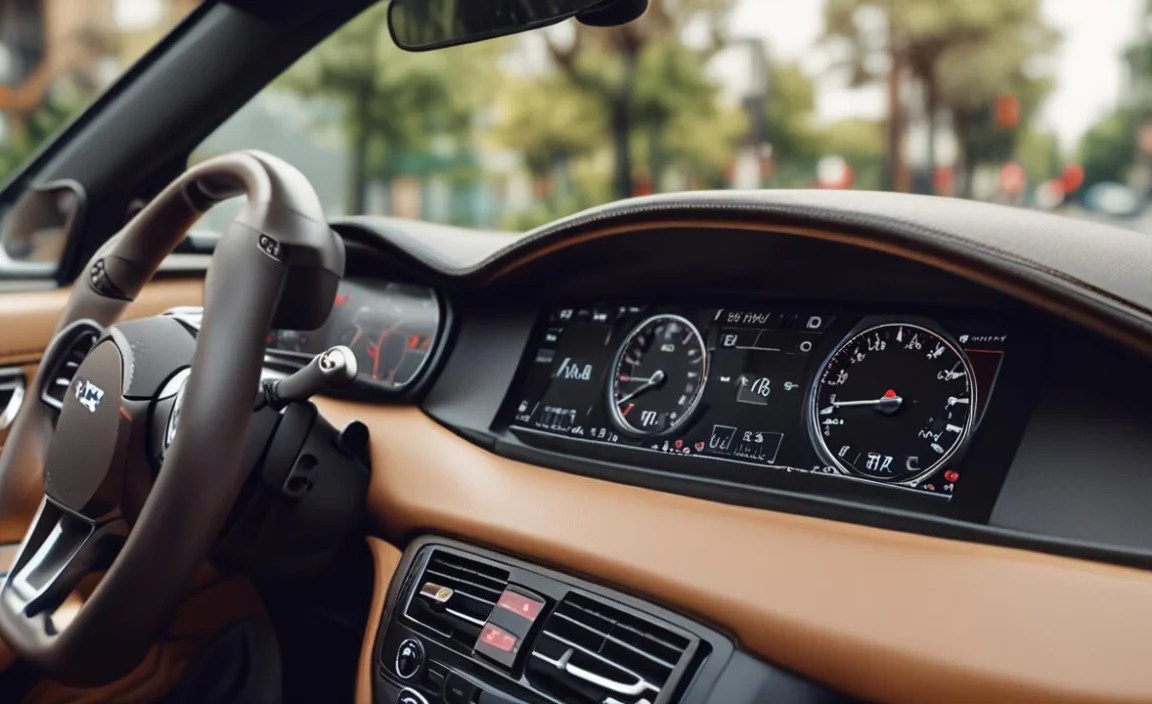
While the digital dashboard offers a stunning user experience, there are underlying technical considerations that contribute to its functionality and longevity.
Screen Technology and Resolution
The clarity and responsiveness of the digital display are paramount. Manufacturers utilize advanced screen technologies, such as:
- Thin-Film Transistor (TFT) LCDs: Offering good color reproduction and viewing angles.
- Organic Light-Emitting Diodes (OLEDs): Providing superior contrast ratios, deeper blacks, and faster response times, leading to incredibly vivid and sharp images.
The resolution of these screens is also critical. High-pixel density ensures that text is crisp and graphics are smooth, mimicking the appearance of premium digital devices. This high resolution is essential for displaying complex information without it appearing pixelated or cluttered.
Processing Power and Software Updates
Behind the beautiful visuals is significant processing power. The digital cluster is essentially a powerful computer running specialized automotive software. It needs to process data from numerous vehicle sensors, graphics rendering, and user inputs in real-time, all while being robust enough to operate reliably in the demanding automotive environment.
Just like your smartphone or computer, the software that powers your digital dashboard can be updated. These updates, often delivered wirelessly (Over-The-Air or OTA updates), can introduce new features, improve existing ones, enhance performance, and even fix bugs. Staying informed about available software updates, often through your car’s infotainment system or a dealership, ensures you’re always getting the best experience. For more on automotive software and connectivity, you can explore resources from organizations like the SAE International, a global association of mobility engineering professionals.
Durability and Environmental Factors
Automotive components must withstand extreme conditions. Digital dashboards are designed to operate reliably across a wide range of temperatures, humidity levels, and vibrations. The displays are typically protected by durable glass or high-strength plastics, and the internal electronics are engineered to withstand the constant fluctuations of a vehicle’s electrical system. While remarkably robust, extreme heat over prolonged periods can still affect the longevity of electronic components, underscoring the importance of proper vehicle parking, especially in hot climates.
A Comparison: Digital vs. Analog Dashboards
To truly appreciate the digital dashboard, it’s helpful to compare it directly with its analog predecessor.
| Feature | Traditional Analog Dashboard | Coupe Car Digital Dashboard |
| :——————- | :————————————————- | :—————————————————— |
| Information Display | Fixed gauges, limited data points. | Dynamic, high-resolution, customizable information. |
| Customization | None. | Extensive themes, layouts, and widget options. |
| Navigation | Typically separate unit (GPS or phone). | Fully integrated, displayed directly in driver’s view. |
| Infotainment | Minimal or separate screen integration. | Seamless integration of media, calls, messages. |
| Graphics Quality | Basic icons, mechanical needle movement. | Crisp, vibrant, 3D-rendered graphics and animations. |
| Data Updates | Static, with occasional warning lights. | Real-time updates for speed, fuel, diagnostics, DAS. |
| Aesthetics | Classic, functional, can feel dated. | Modern, luxurious, futuristic, customizable ambiance. |
| Cost of Repair | Generally lower for individual components. | Potentially higher due to integrated electronics. |
| Complexity | Simple, straightforward. | Complex, requires understanding of software and menus. |
As you can see, the digital dashboard represents a significant leap forward in terms of functionality, personalization, and integration, offering a far richer and more engaging experience for the driver of a modern coupe.
Living with Your Digital Dashboard: Tips and Tricks
Owning a car with a digital dashboard is a joy, but like any advanced technology, a few tips can enhance your daily interaction with it.
Regularly Update Software
As mentioned, software updates can bring new features and improvements. Make sure your car’s system is set to receive these updates or check periodically via your infotainment system’s settings or your Mercedes-Benz dealer.
Explore Different Themes for Different Drives
Don’t feel obligated to stick to one theme. Switch to the Sport theme for that weekend drive you’ve been looking forward to. Use the Progressive theme for a more relaxed commute. The flexibility is there for you to use.
Customize Widgets to Your Priorities
Spend time configuring the widgets. If you frequently use your phone for music control, ensure media information is easily accessible. If you’re a navigation buff, make sure the map view is your default or easily selectable.
Pair Your Phone Seamlessly
Ensure your smartphone is properly paired via Bluetooth and/or USB. This unlocks the full potential for hands-free calling, messaging notifications, and music streaming integrated directly into your dashboard.
Familiarize Yourself with DAS Visuals
Take a drive in a safe, open area and deliberately engage your driver assistance systems (if equipped). Observe how they are represented on the dashboard. Understanding these visuals is crucial for trusting and effectively using these safety features. For instance, understanding how the lane centering assist is displayed can give you peace of mind on long highway stretches.
Use the “Full Screen Map” Feature
If your system offers a full-screen map view within the digital cluster, utilize it during longer journeys. It provides an unobstructed, immersive navigation experience that’s hard to beat.
Frequently Asked Questions (FAQ)
What is the primary benefit of a coupe car digital dashboard?
The primary benefit is a highly customizable, modern, and intuitive interface that consolidates essential driving information, navigation, and infotainment into a clear, high-resolution display, enhancing both aesthetics and driver experience.
How do I change the display style on my digital dashboard?
You can typically change the display style (themes or layouts) using the controls on your steering wheel. Navigate through the vehicle settings menu on the dashboard display to find options for “Display,” “Cockpit Style,” or similar.
Can I display navigation directions on my digital dashboard?
Yes, most modern coupe digital dashboards are designed to integrate full navigation systems, often allowing you to display maps and turn-by-turn directions directly in front of the driver.
Is the information on a digital dashboard always accurate?
Digital dashboards receive real-time data from sensors and the vehicle’s computer systems. As long as the underlying sensors and software are functioning correctly, the information displayed is highly accurate.
What happens if the digital dashboard screen fails?
If the digital dashboard screen fails, it typically indicates an electronic or hardware issue that would require professional diagnosis and repair by a qualified technician, often at a dealership service center.
Are digital dashboards more distracting than analog ones?
While they offer more information, digital dashboards are designed with driver focus in mind. Customizable layouts allow drivers to see only what they need, and integrated navigation reduces the need to look at separate screens, potentially leading to less distraction when used properly.
Do all coupe cars come with a digital dashboard?
No, not all coupe cars come standard with a digital dashboard. It is often an optional feature or standard on higher trim levels and luxury models, particularly in brands actively embracing advanced automotive technology like Mercedes-Benz.
Conclusion
The


